


How to export your guest list
آخر تحديث دقيقة قراءة واحدة
هذه الصفحة غير متوفرة بلغتك بعد، لذا تُعرض باللغة English (India).
في هذه الصفحة/ Export a guest list
In short: You can download your guest list as a file, ready to open in a spreadsheet. Export it straight from a ticket type's guest list, and find all your exports under Downloads.
Export a guest list
Open the guest list
Go to Registrations → Categories, click Manage on a ticket type, and open the Guests tab.
Download it
Click the download icon on the Guests List to export those guests.
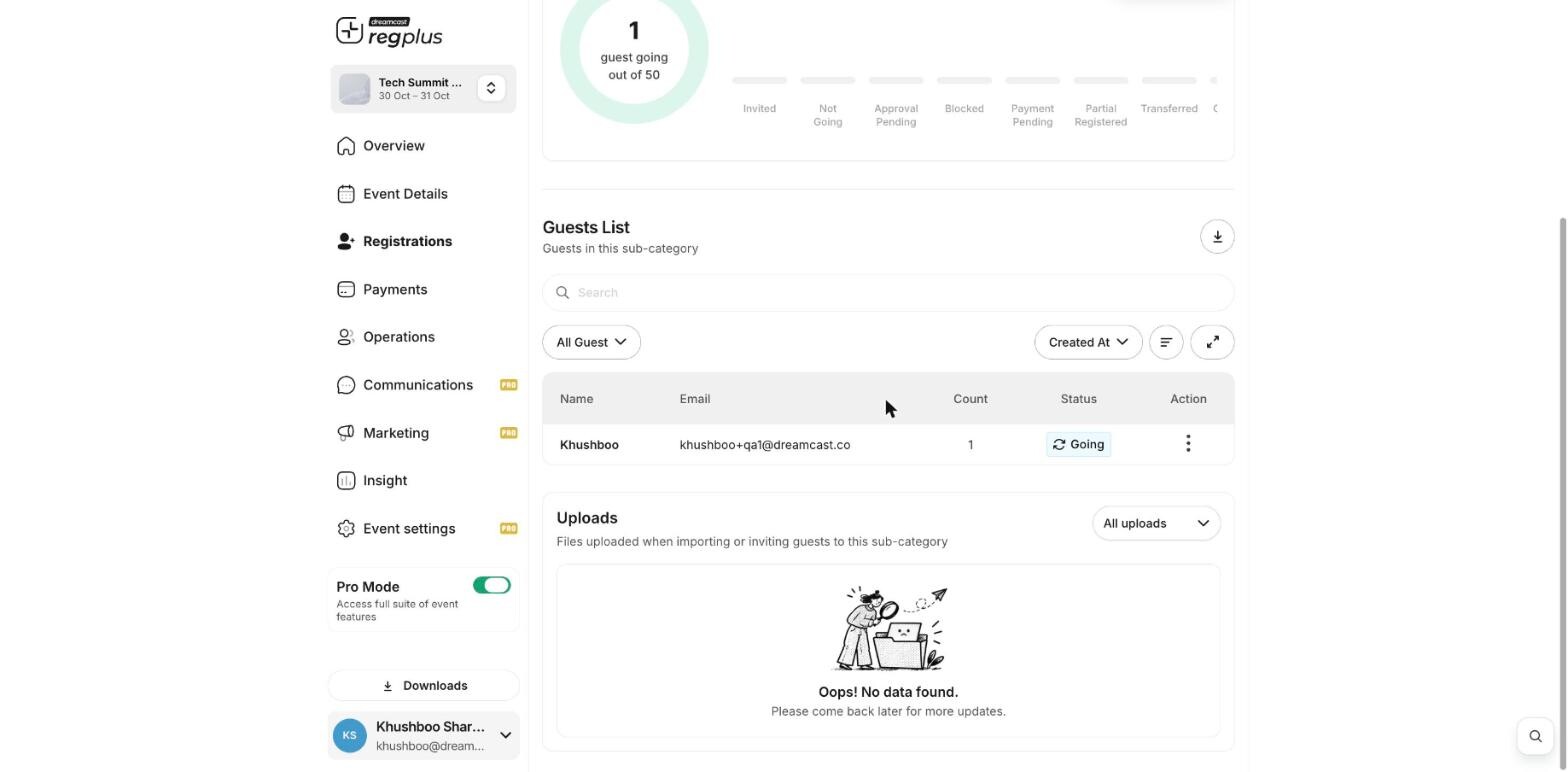
Find your file under Downloads
Your export is prepared and collected under Downloads in the left menu — click View All Downloads to grab the file.

What's next?
هل كانت هذه الصفحة مفيدة؟