


How to move a guest to a different ticket type
آخر تحديث دقيقة قراءة واحدة
هذه الصفحة غير متوفرة بلغتك بعد، لذا تُعرض باللغة English (India).
في هذه الصفحة/ Move a guest
In short: If a guest needs to be on a different ticket type, the reliable way is to cancel their current registration and add them again under the new ticket type.
Move a guest
Cancel the current registration
Go to Registrations → Categories, click Manage on the guest's current ticket type, open the Guests tab, and from the guest's ⋮ menu choose Cancel Registration.
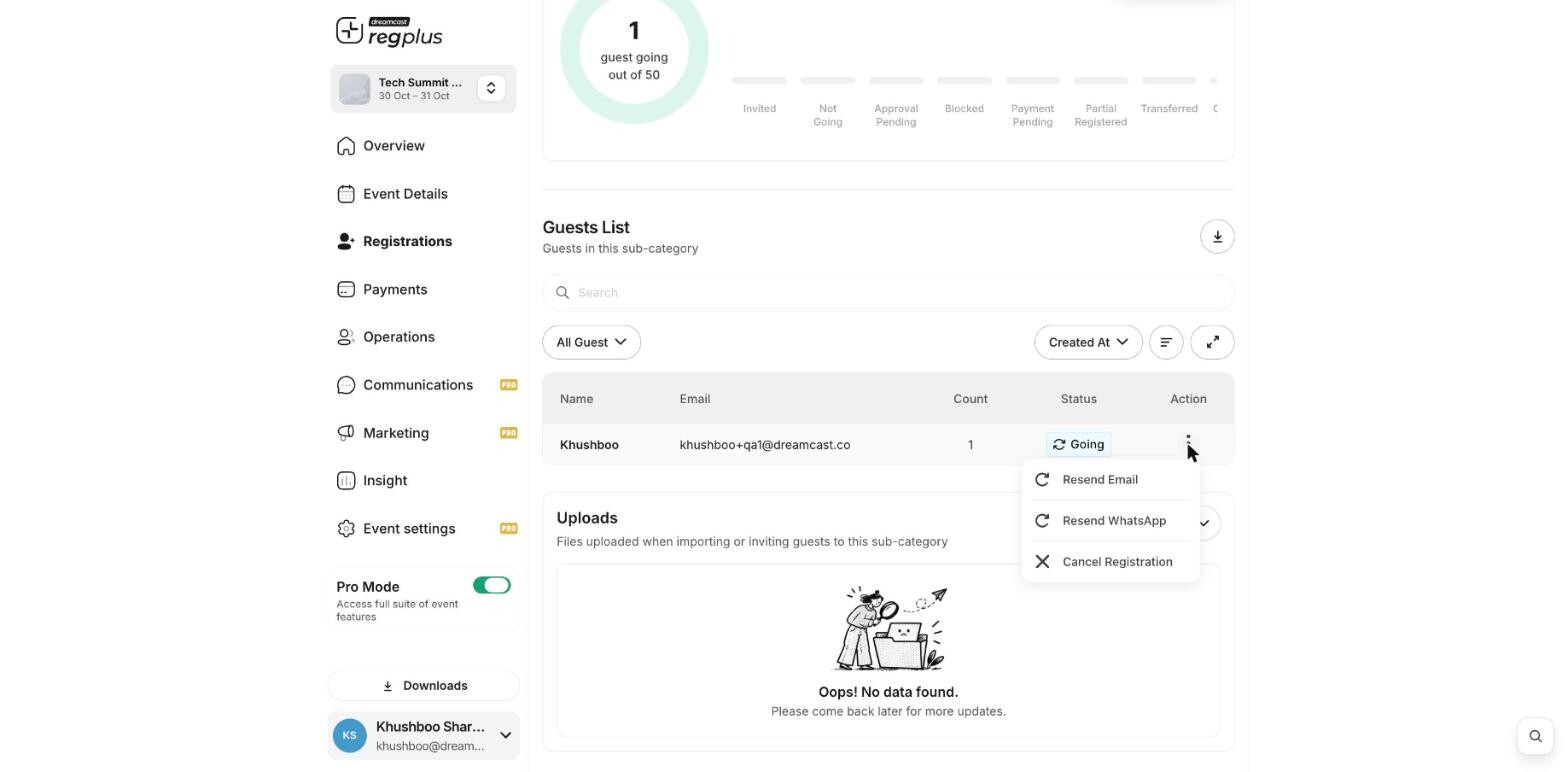
Add them to the new ticket type
Open the ticket type you want to move them to, go to its Guests tab, click Add Guests → Invite, and enter the guest's details. See Add a guest manually.

What's next?
هل كانت هذه الصفحة مفيدة؟