


How to issue a refund
Updated 1 min read
On this page/ Refund a guest
In short: Cancelling a guest in regplus does not send their money back on its own. You refund them through your payment provider, then cancel the registration so your counts and tickets update.
Refund a guest
Refund through your payment provider
Open your payment gateway (for example Razorpay, Stripe or PayPal) and refund the guest's payment there.
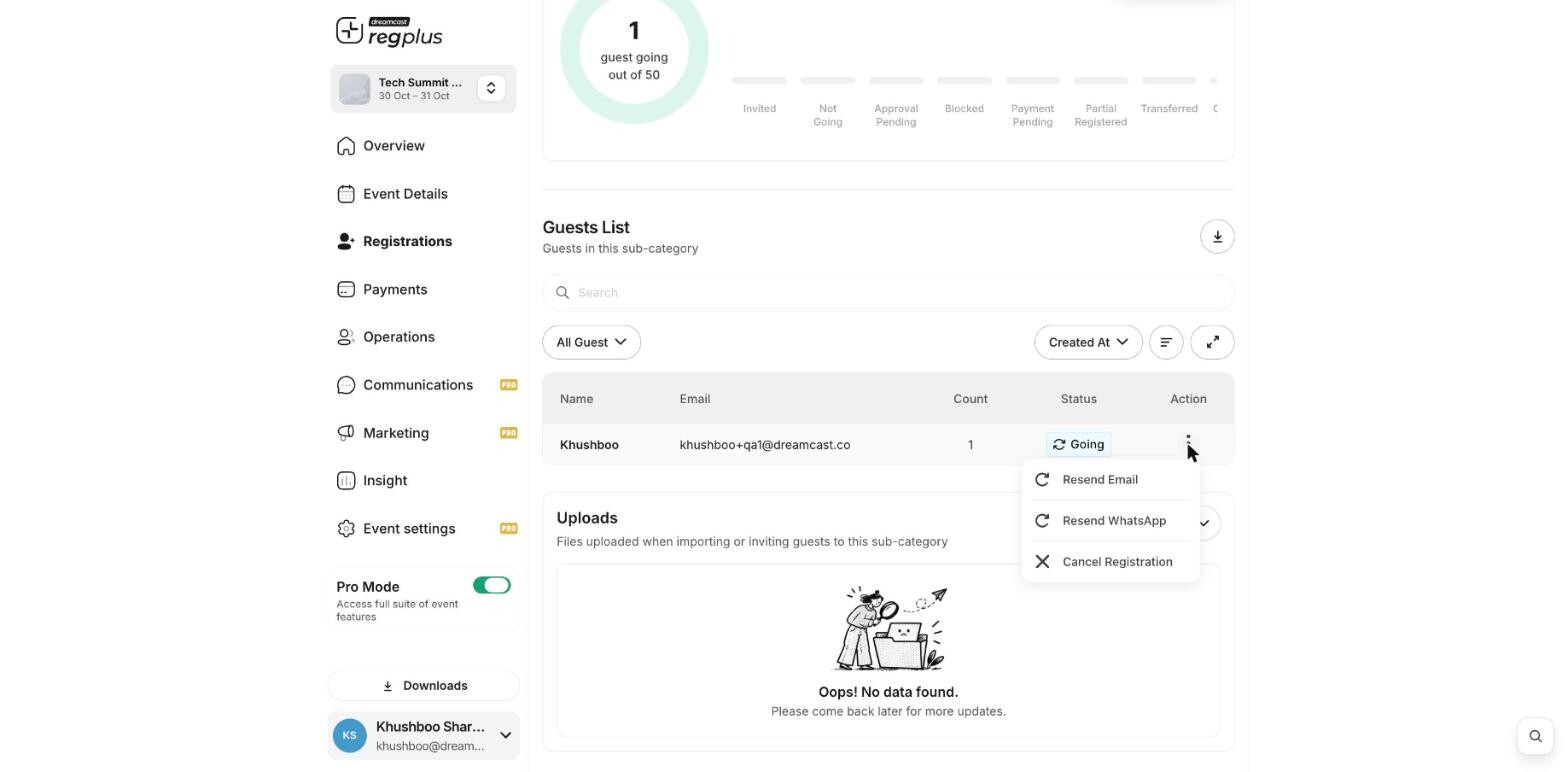
Cancel the registration in regplus
Go to Registrations → Categories, click Manage on the guest's ticket type, open the Guests tab, and from the guest's ⋮ menu choose Cancel Registration. This frees their place and voids their ticket.

What's next?
Was this page helpful?