
Set up badges
Turn on mobile badges so each guest sees their badge on their phone. It carries their name and a QR code for entry.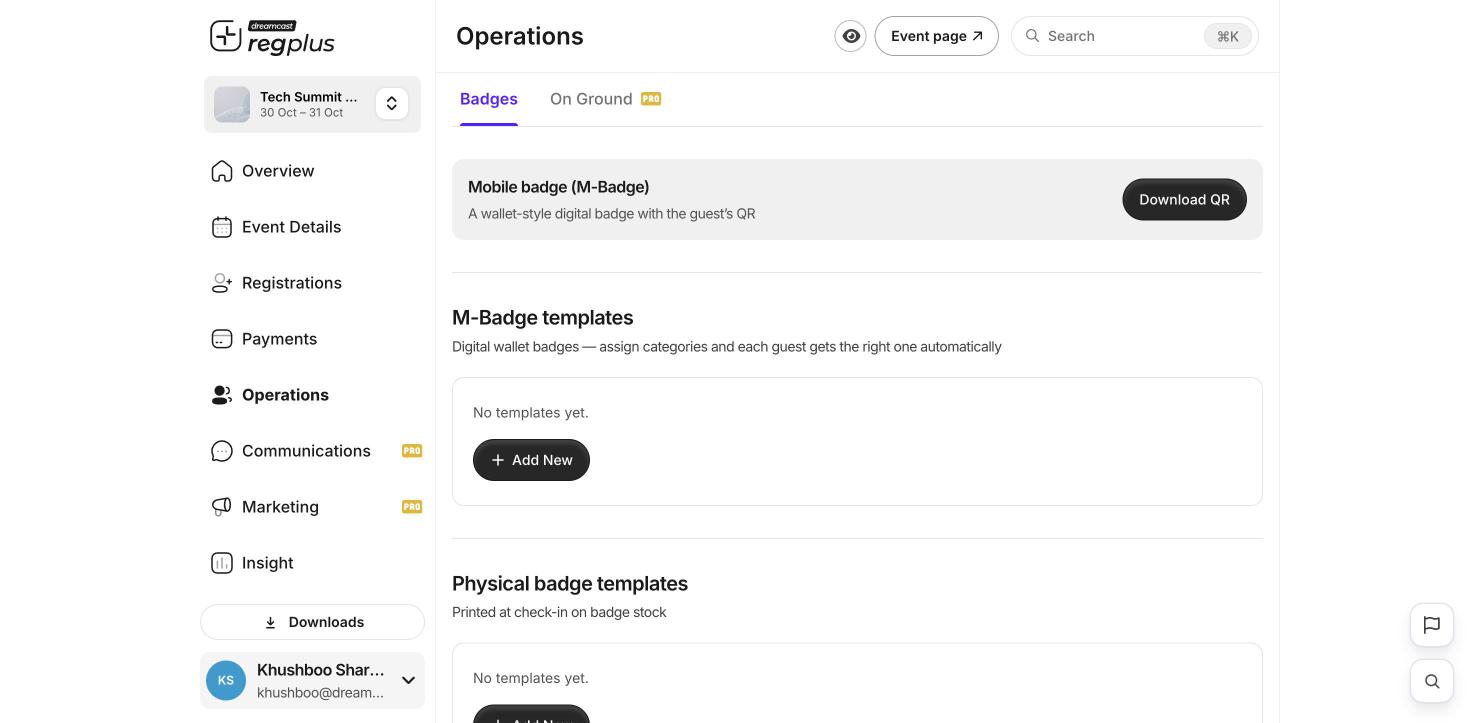
Check guests in on event day
Turn on OnGround under Operations → On Ground. From here you watch live check-in and scan counts, set up entry zones, add the staff who’ll run the door, and allow walk-in registration at the venue.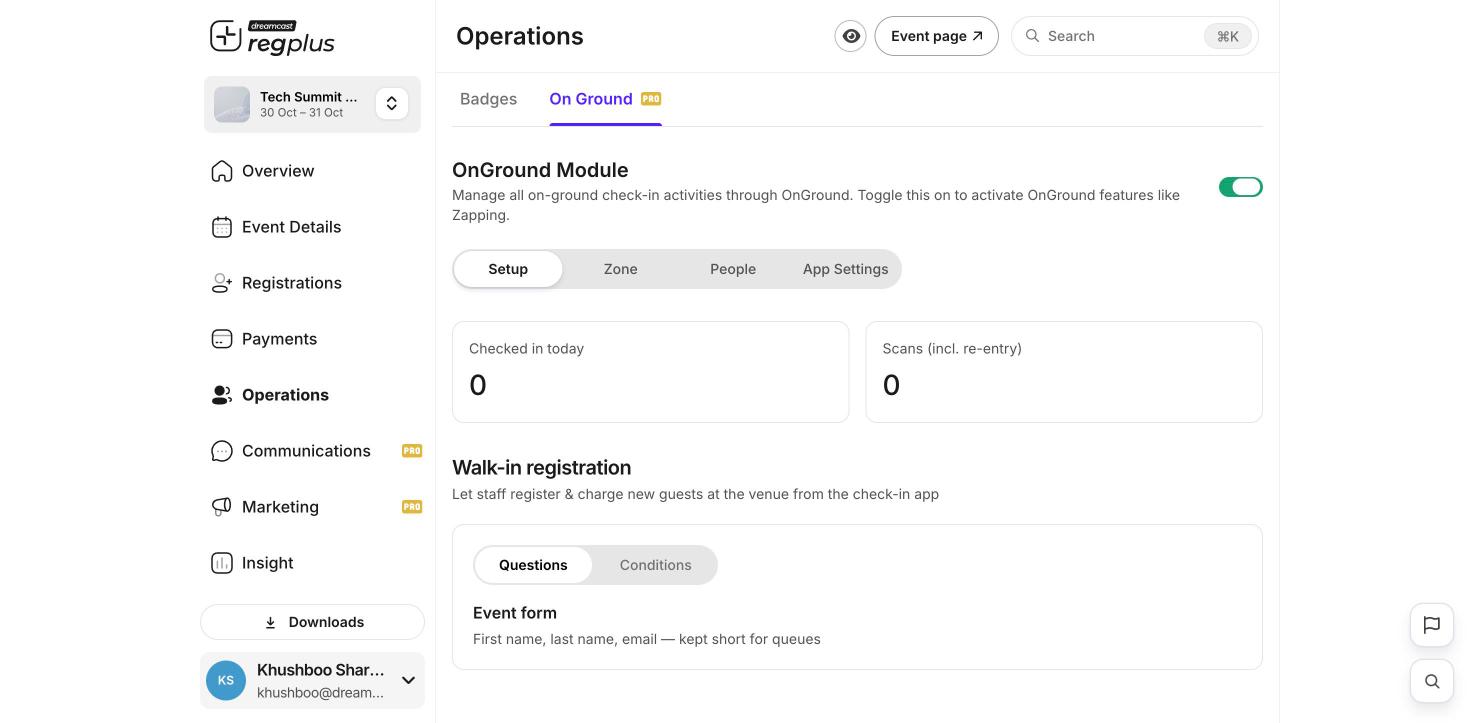
1
Open the check-in app
Your team signs in to the Regplus check-in app on their phones at the venue.
2
Scan the QR
Scan the guest’s badge QR. They’re marked present straight away.
3
Or search by name
No QR? Search the guest’s name and check them in by hand.
Test a scan before doors open. Make sure the team’s phones have the app and can sign in at the venue.
What’s next?
Insights & reports
See attendance and more after the event.
Manage registrants
Find and update any guest.