
- You need a Meta Pixel ID from your Meta Ads account.
Add your Pixel
1
Open Marketing
Go to the Marketing section for your event, then the Pixels area, and click Add pixel.
2
Paste your Pixel ID
Add your Meta Pixel ID and save. Regplus starts recording visits and registrations on your event page.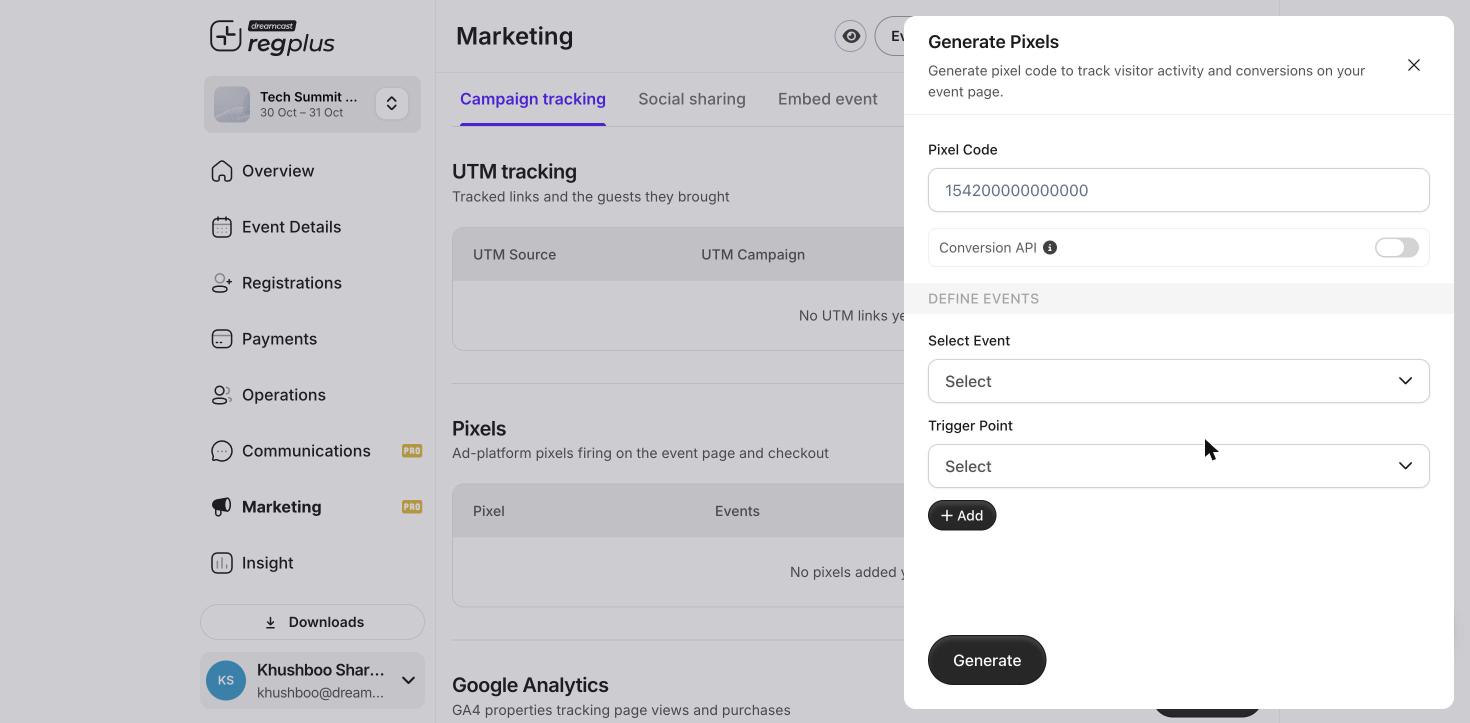
Set up your Pixel before you start spending on ads. If you add it later, you miss the data from the ads that already ran.
What’s next?
Tracking links (UTM)
Track every channel you share on.
Insights & reports
See what your ads bring in.