
Make a question unique
1
Open the form
Go to Registrations → Form.
2
Turn on Unique
Open the question you want to protect (for example Email or Employee ID) from its ⋮ menu, turn on Unique, then Save.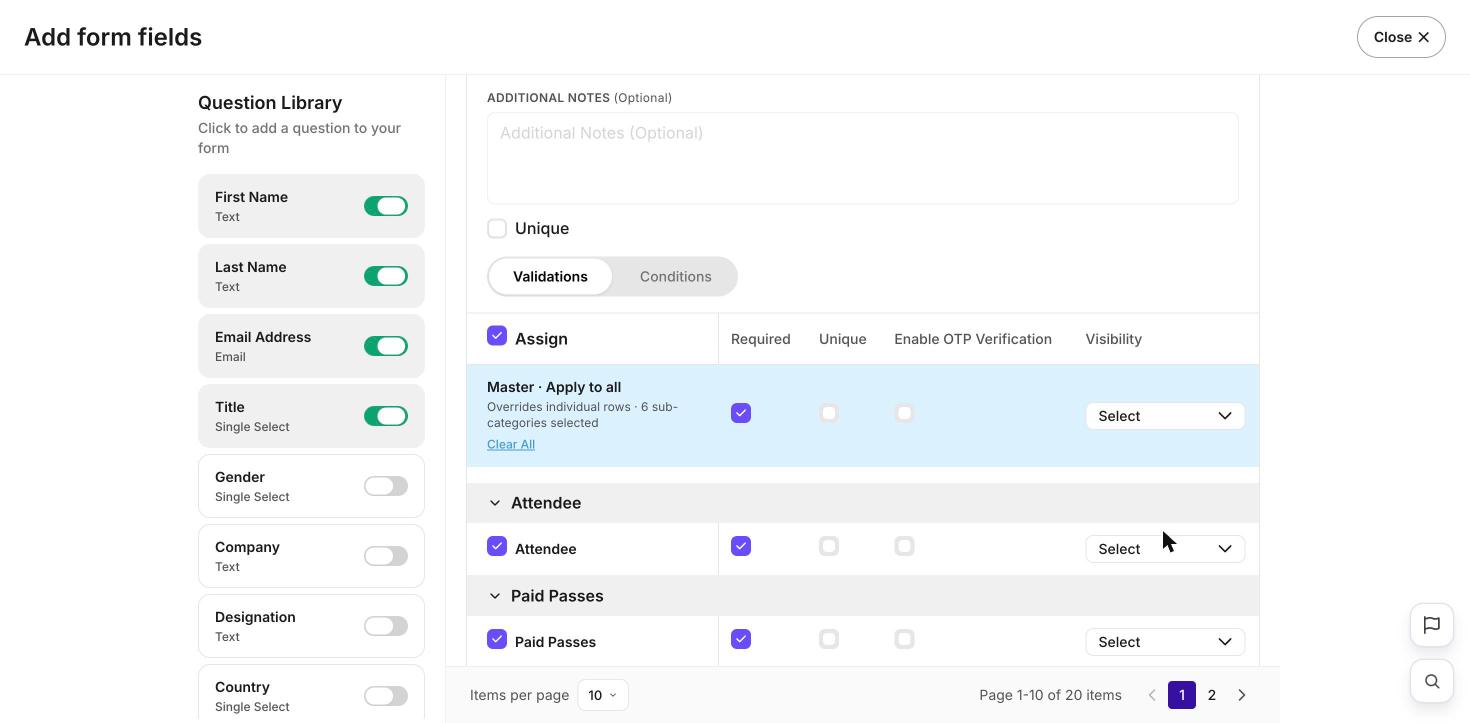
Pick a field that’s truly one-per-person, like email or a staff ID. A field like Company isn’t unique — many guests share it.
What’s next?
Build your registration form
Add and set up your questions.
Approvals & limits
Control who gets a place.