
The Overview
The Overview shows live counts for your event — registrations, checked-in, total orders and revenue — plus a setup checklist.
The Overview — your headline numbers.
The Insight reports
Open Insight for the full picture. Each report sits on its own tab: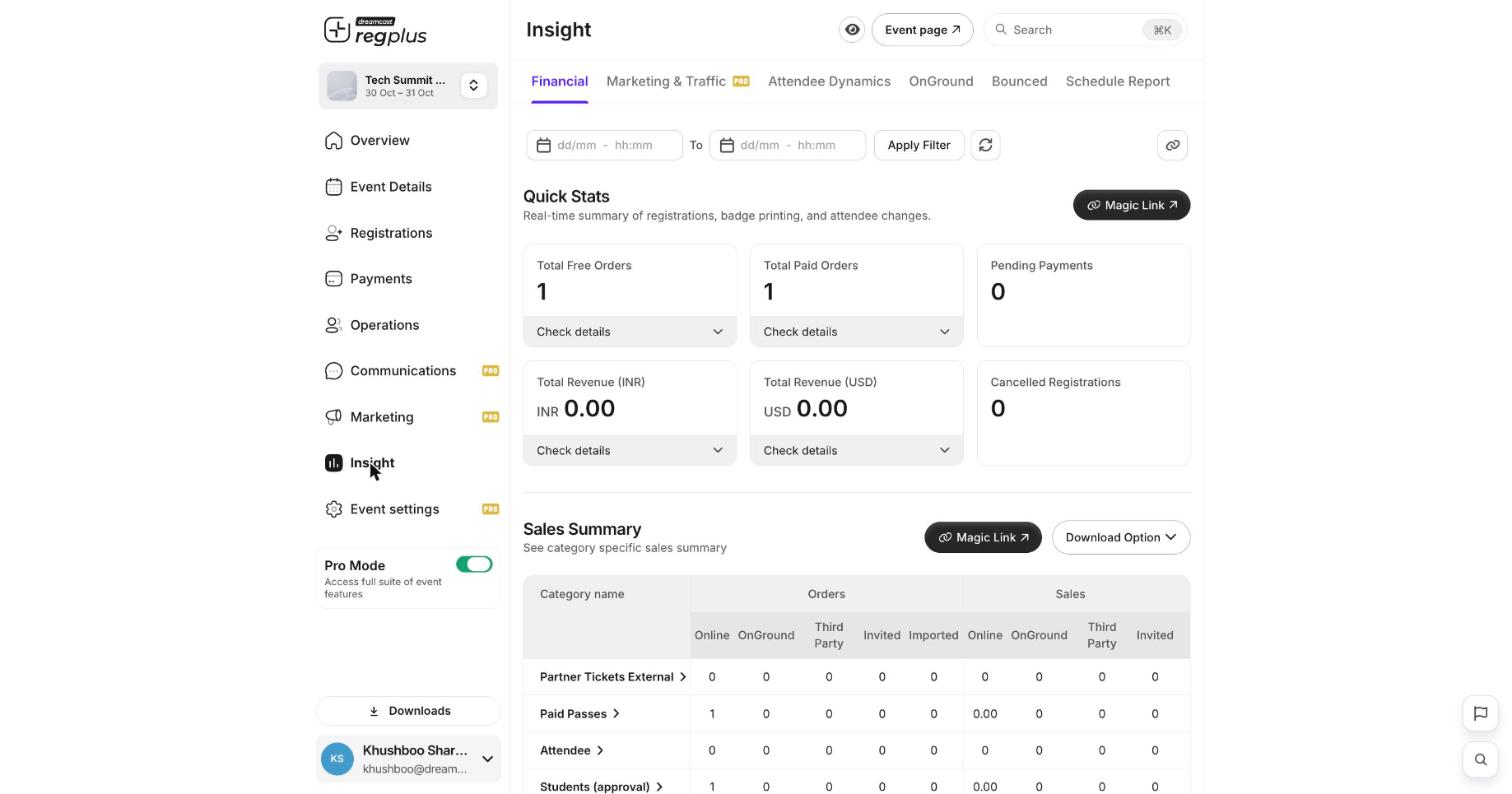
An Insight report — quick stats and a breakdown.
FAQs
My numbers look off.
My numbers look off.
Check the date filter at the top of the report — if a range is applied you’re only seeing that window. Clear or widen it.
Can I get a report automatically?
Can I get a report automatically?
Yes — use Schedule Report to have it emailed on a daily or custom schedule.
What’s next?
Read your Insight reports (detailed)
The full walkthrough of every report.
Export your data
Download your lists and reports.