
Two kinds of message
- Automatic — sent on their own, like a confirmation when someone registers.
- One-off — an update you send yourself, like a venue change.
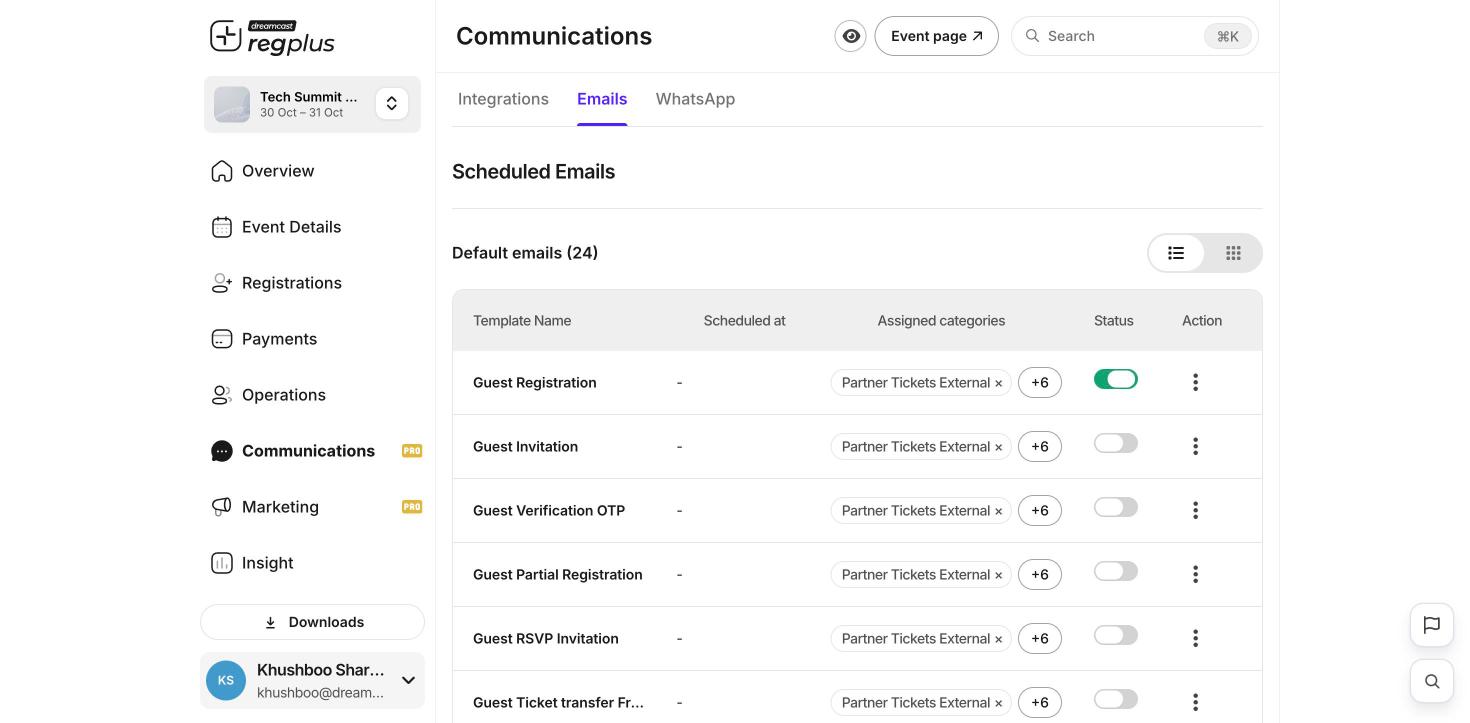
Set up your sender details
Open Communications → Integrations and set the name and reply-to that guests see on your messages, so they know the email is from you.Send a one-off update
1
Open a message
In Communications → Emails, open a template’s ⋮ menu and choose Edit to change the wording, or Send to all to send it out now.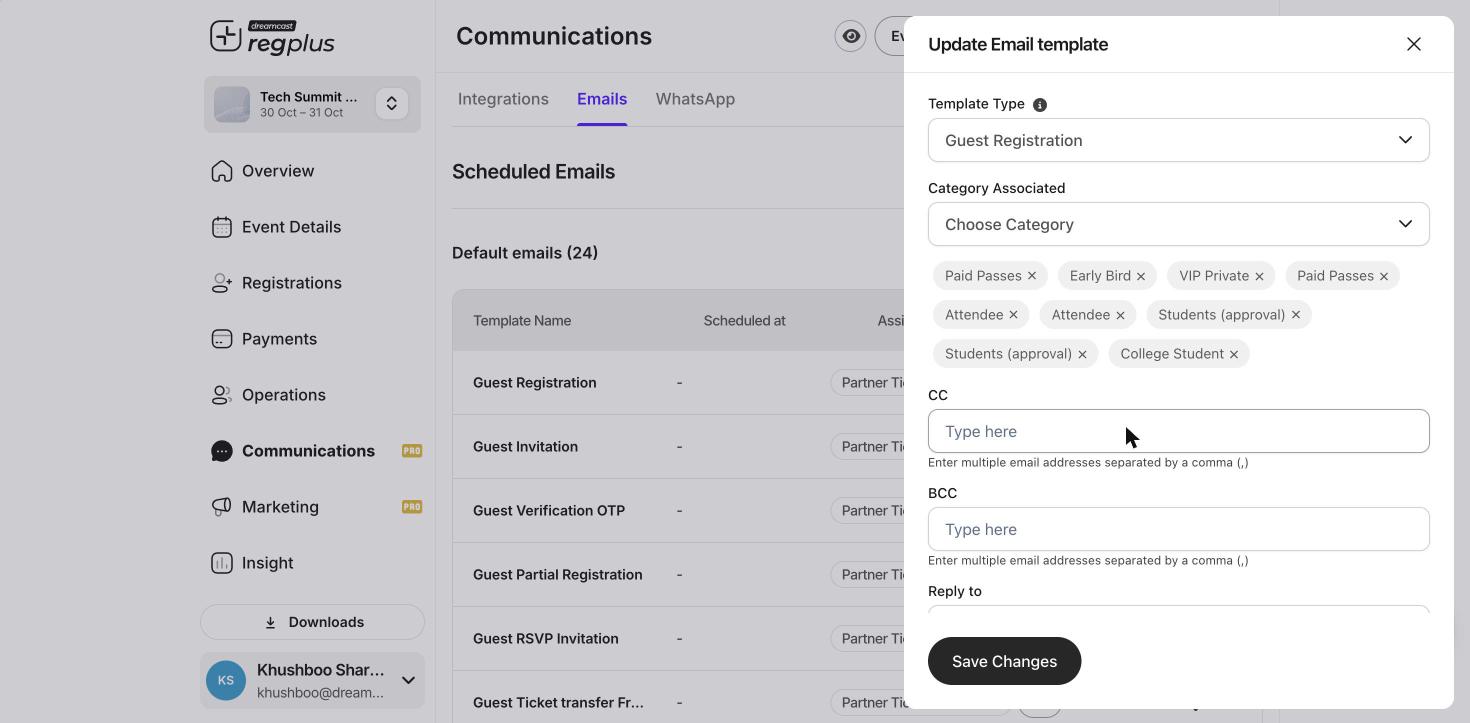
2
Choose who gets it
Pick who it goes to — everyone, or a group such as a specific ticket type.
3
Send
Send it. It goes out by email and, where set up, WhatsApp.
These messages reach real guests. Send yourself a test first and check the details before you send to everyone.
What’s next?
Confirmations & reminders
Set the automatic messages guests get.
Insights & reports
See how your event is doing.