
Download a report
1
Open Insight
Go to Insight for your reports and registrant data.
2
Export
Use Export or Download to save the data as a file. Your files appear under Downloads.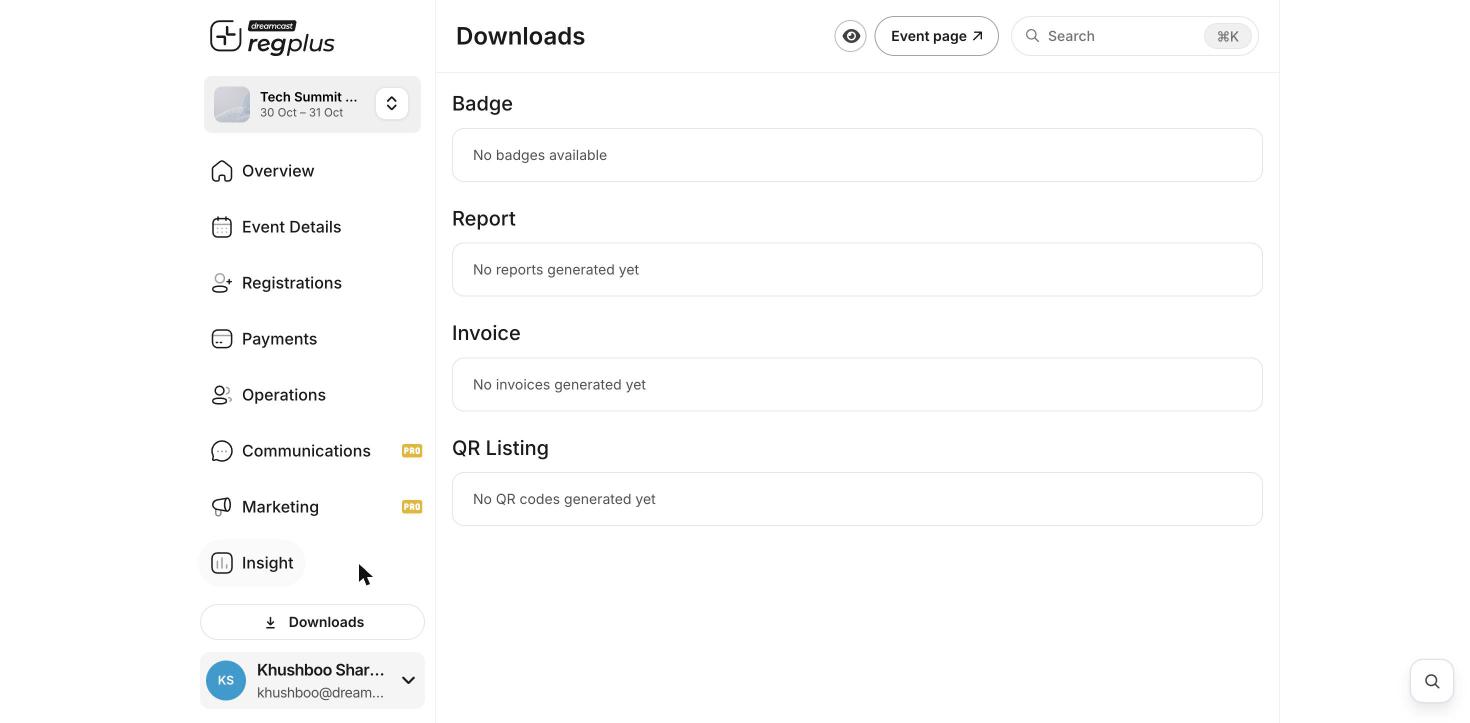
An export holds guests’ personal details. Share it only with people who need it, and keep the file safe.
What’s next?
Insights & reports
Read your numbers inside Regplus.
Plans & billing
See what your plan includes.