
Make a tracking link
1
Open Marketing
Go to the Marketing section for your event, on the Campaign tracking tab.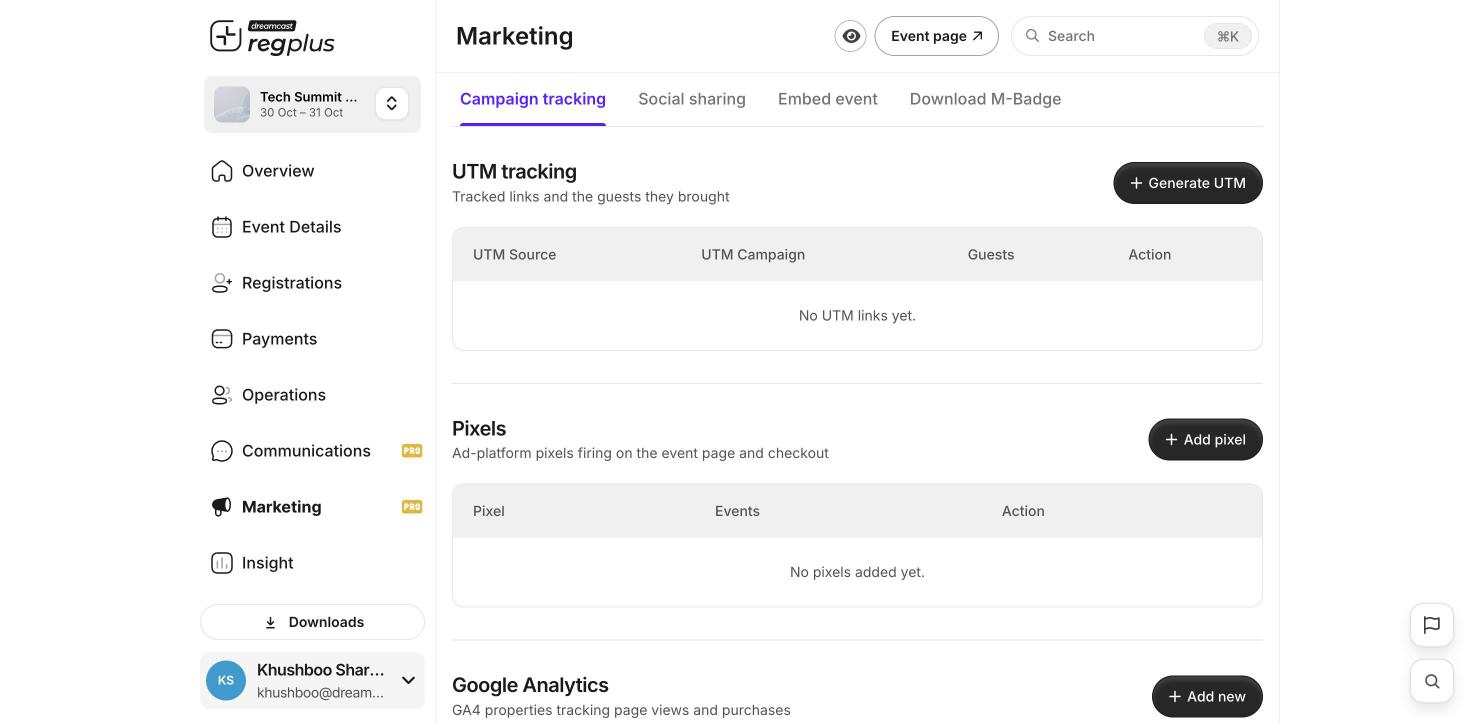
2
Create a link
Click Generate UTM and name its source — for example Instagram bio or June newsletter.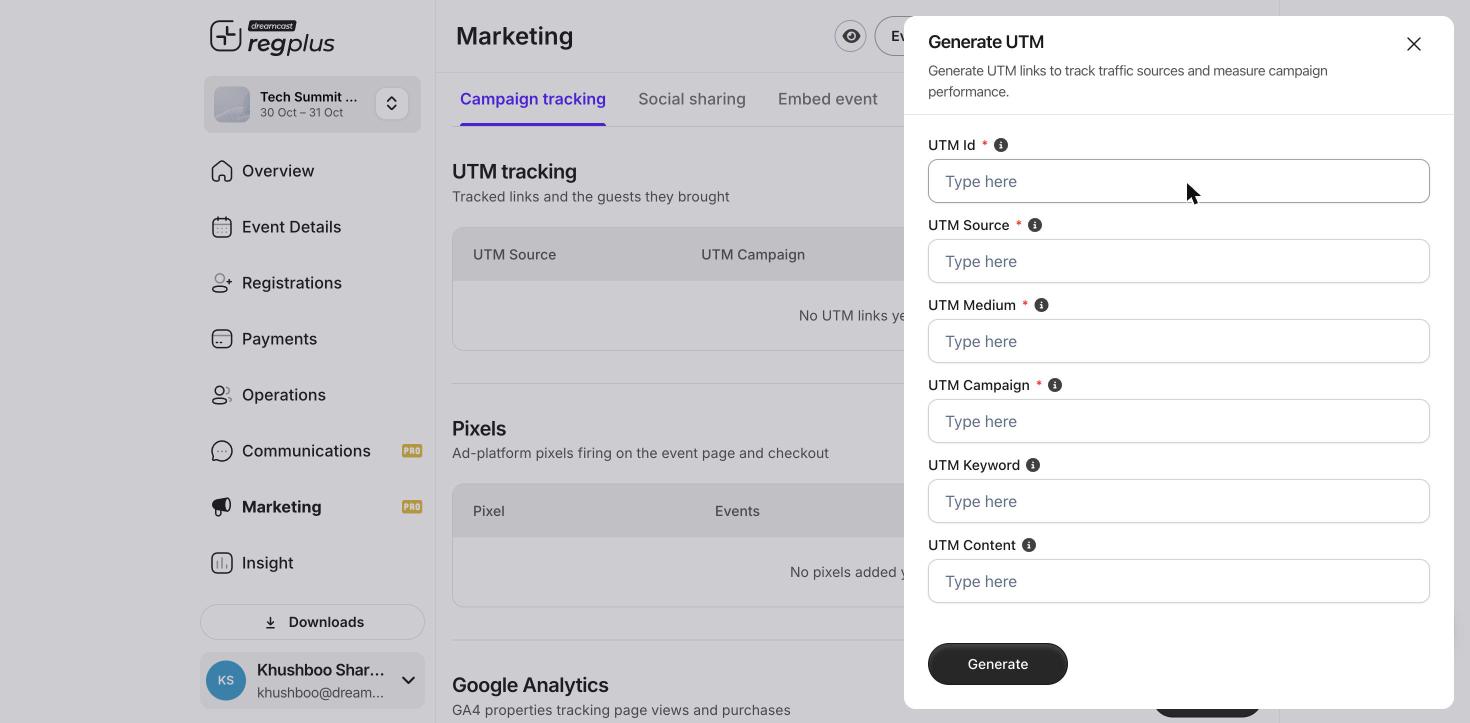
3
Share it
Copy the tracking link and share it in that place instead of your normal event link.
See the results
Open Insight to see how many visits and sign-ups each link brought. This shows you which channels are worth your time.Make a separate link for each place you share your event. One link for everything can’t tell you what’s working.
What’s next?
Connect a Meta Pixel
Run ads and track sign-ups from them.
Insights & reports
See which channels bring guests.