
Preview and share
1
Open your event page
Click Event page at the top right to see exactly what guests see.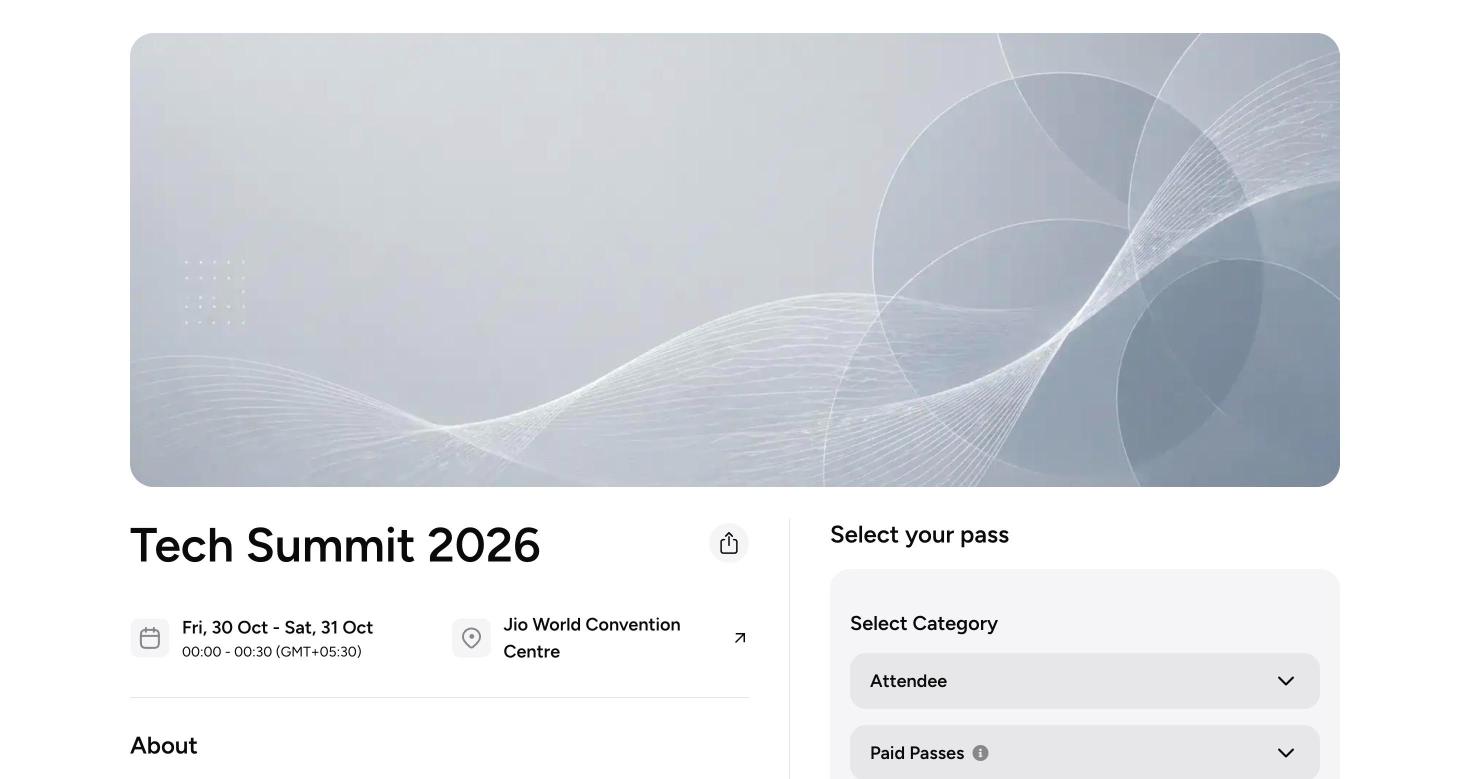
2
Copy your link
Use Copy Event Link on your Overview to copy your event’s web address.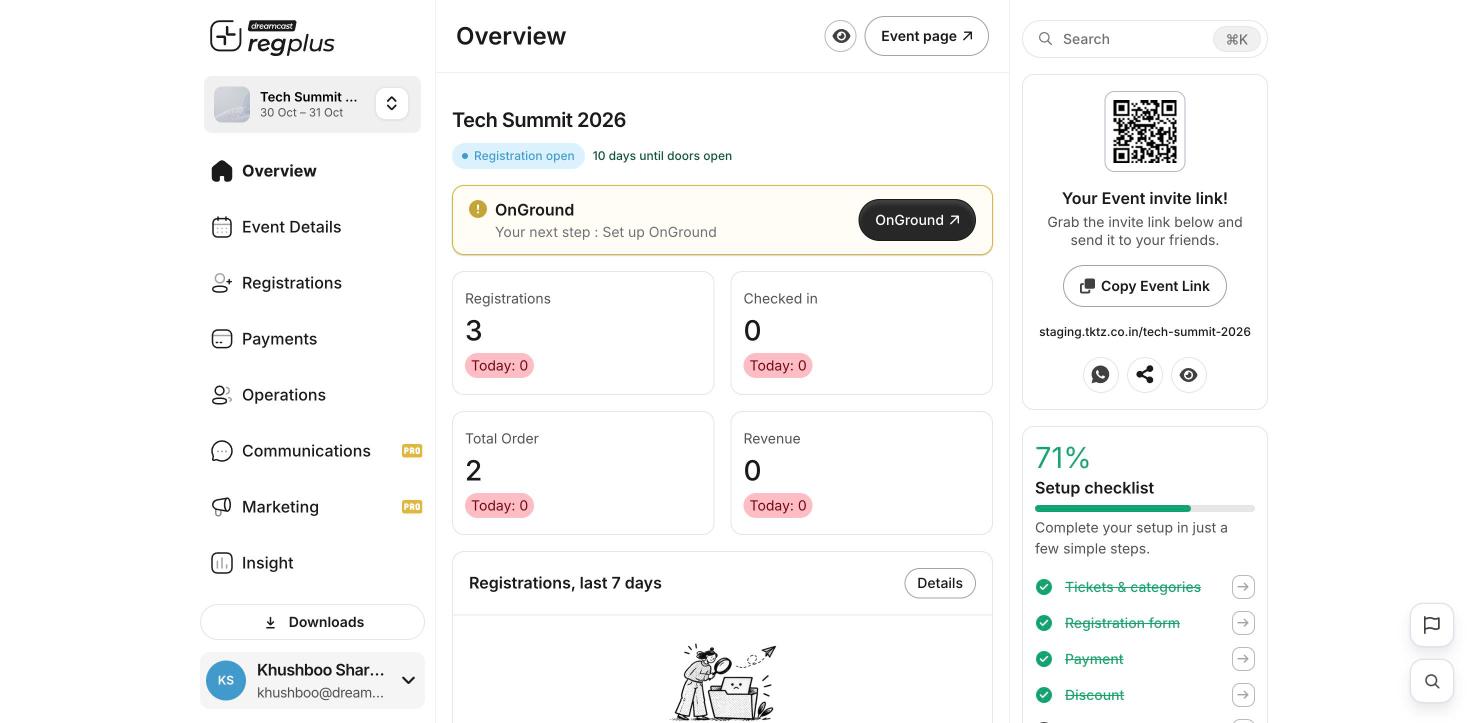
3
Share it
Share the link on WhatsApp, social media, email or your website. Anyone with the link can register.
Do a test sign-up yourself before you share widely. Check the form, the price and the confirmation message all look right.
What’s next?
Send invitations & RSVPs
Invite guests directly and track replies.
Insights & reports
Watch sign-ups and revenue as they come in.