
1. Sign in or sign up
On the welcome screen, choose Email or WhatsApp Number, enter it, and click Continue. First time here? This creates your account. Already signed up? It signs you in. We send a 6-digit code to verify your details (or ask for your password if you’ve set one).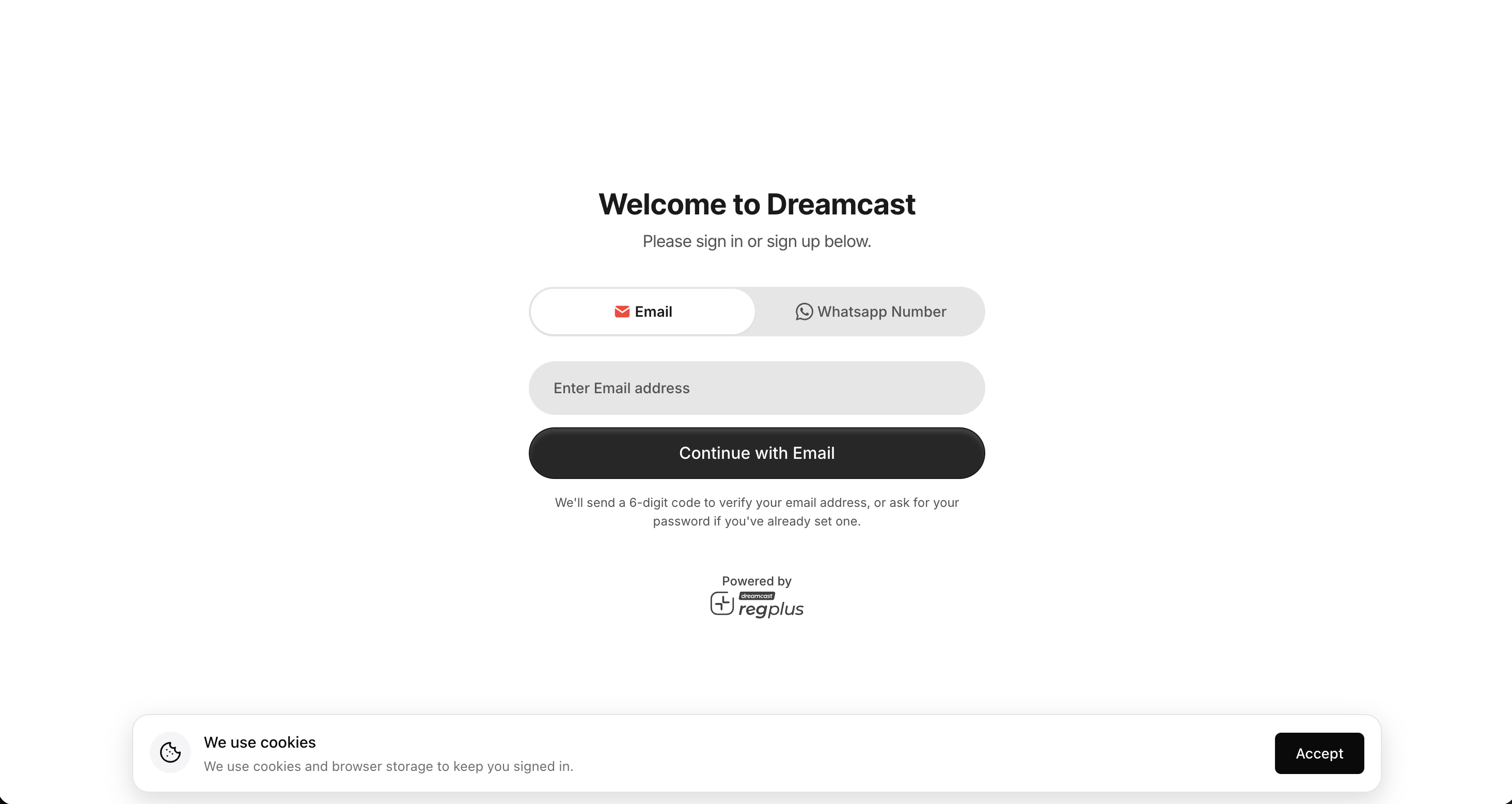
Sign in or sign up with email or WhatsApp
2. Enter the code
Enter the 6-digit code we send to your email or WhatsApp. Use Paste Code to fill it in one tap, or Resend Code if it doesn’t arrive.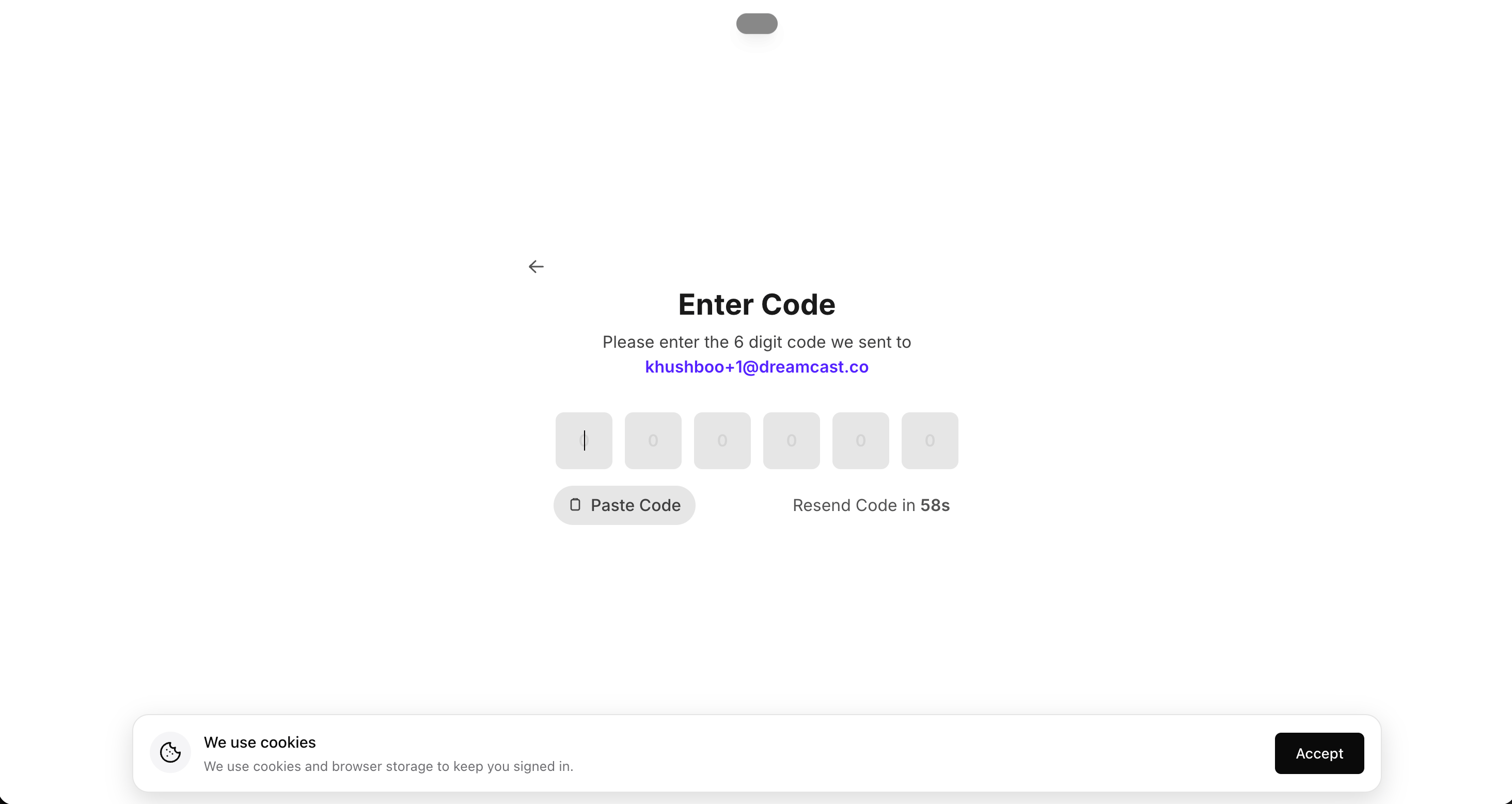
Enter the 6-digit verification code
3. Link your WhatsApp number
Add your WhatsApp number to get event reminders and check-in updates there, then click Continue — or Skip and add it later from your profile.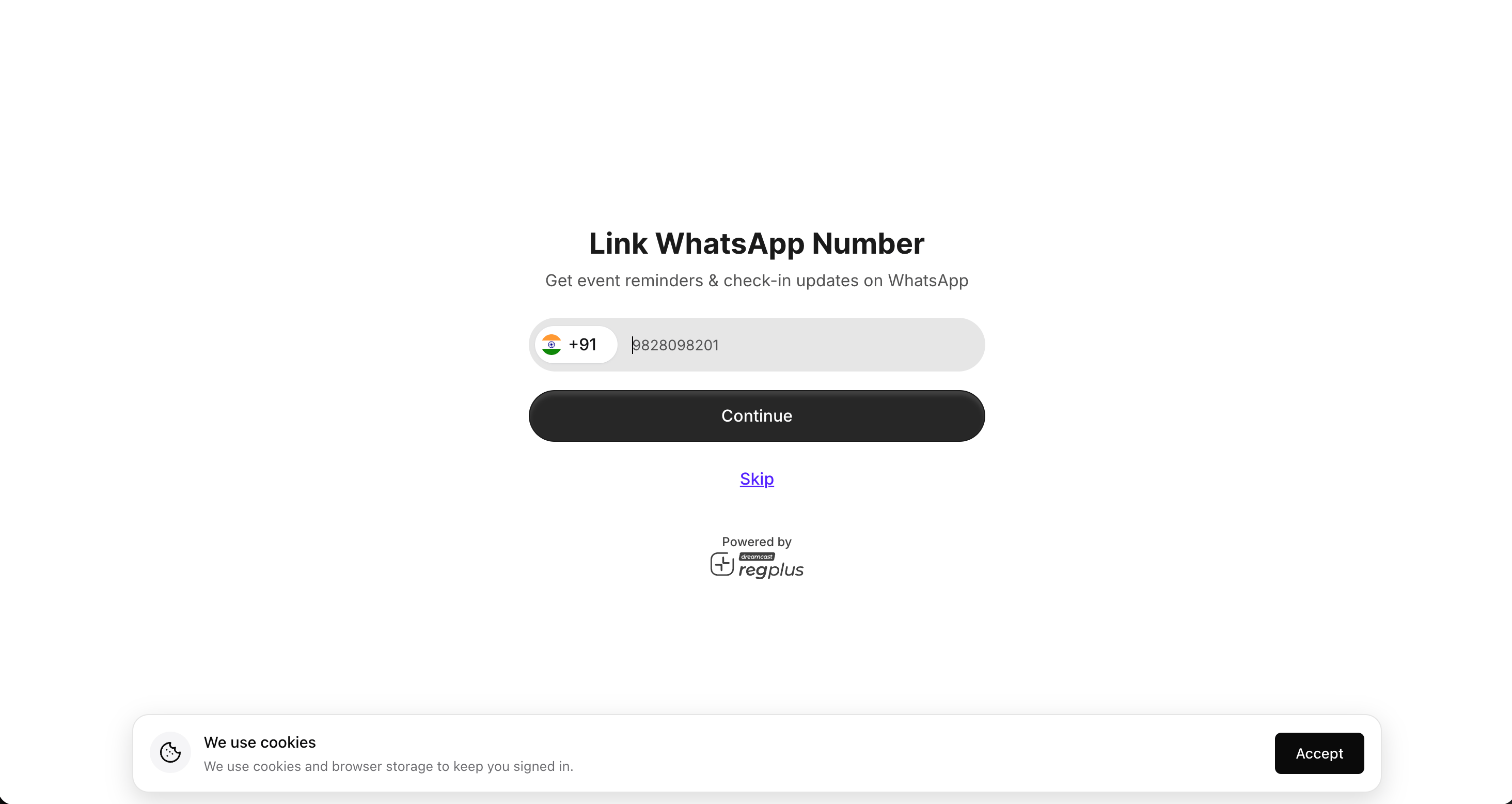
Link your WhatsApp number (or skip for now)
Linking both your email and WhatsApp keeps everything on one account. If you sign up with one and later sign in with the other without linking, you’ll create a second, separate account.
4. Choose your organisation
If you can manage events for more than one organisation, pick the one you want to work in. You can switch organisations later.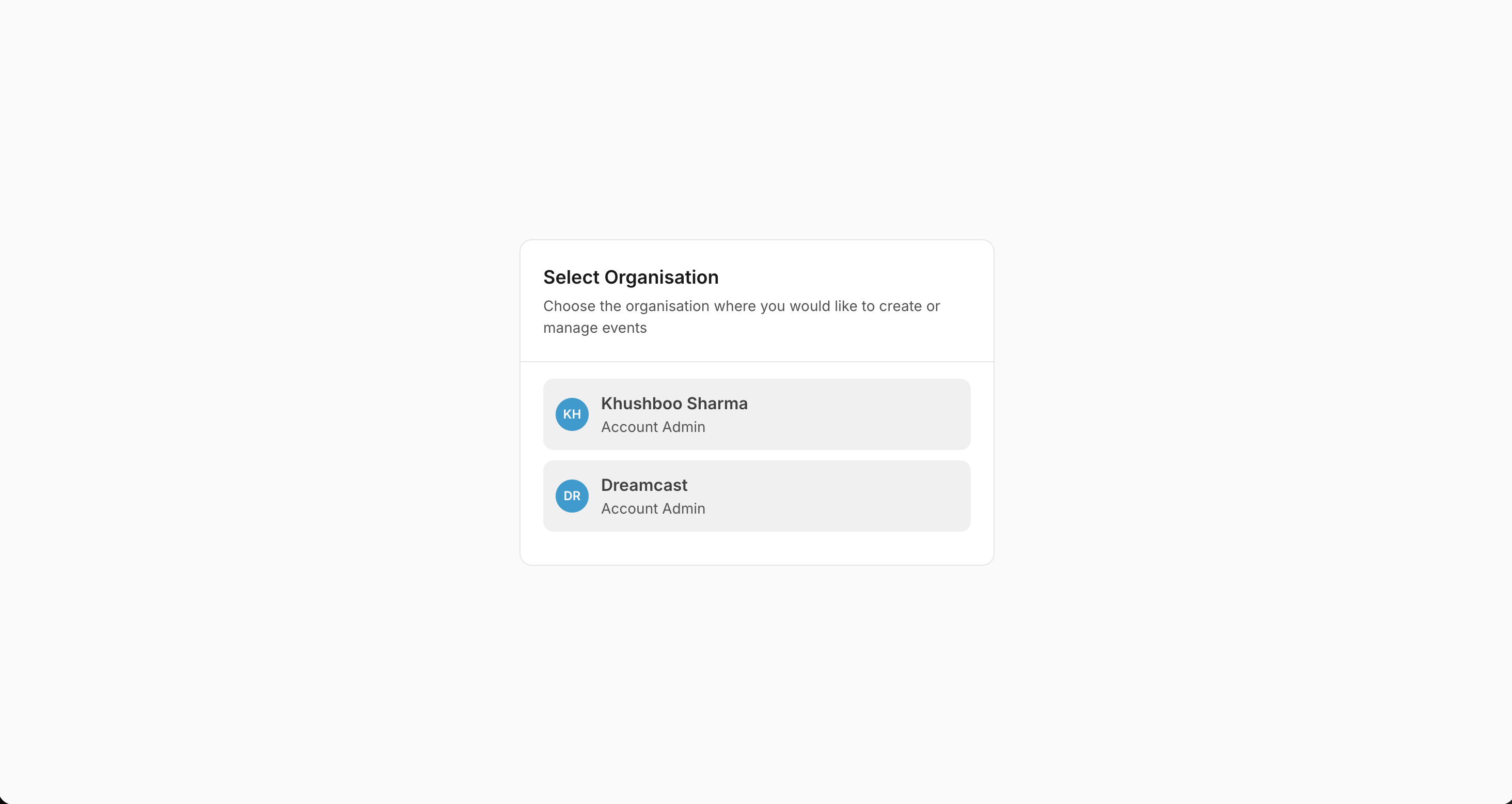
Select the organisation to work in
Sign out
Click the profile icon in the top-right corner and choose Sign Out.What’s next?
Set up your profile
Add your host name, photo and social links.
Create your first event
Go from nothing to a live event page in minutes.