
Edit your details
1
Open Event Details
Go to Event Details from the left menu.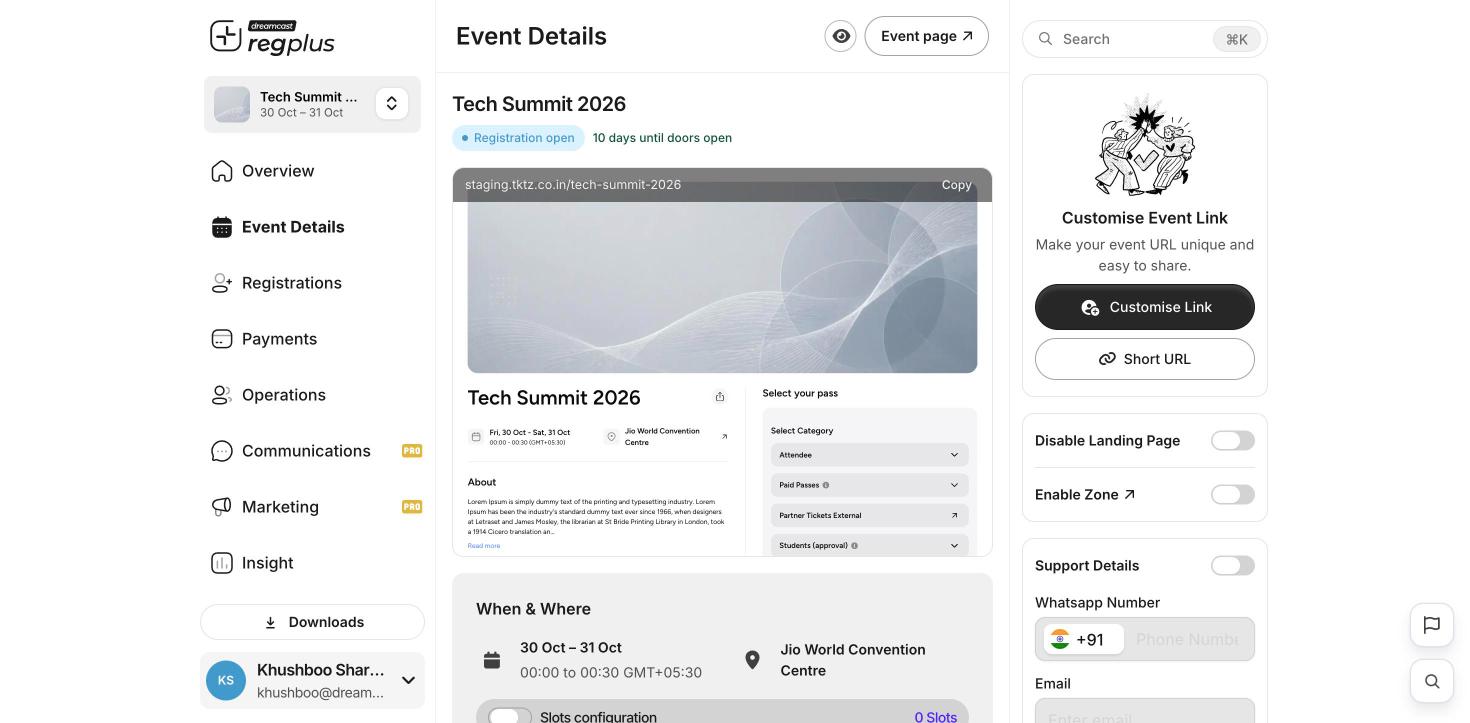
2
Make your changes
Update the name, date, venue, description or cover image, then Save.
Confirmations and reminders use these details. If you change the date or venue after guests have registered, send them an update too. See Emails & WhatsApp.
What’s next?
Publish & share
Share your updated event page.
Confirmations & reminders
Keep guests up to date.