
- You need a Regplus account. See Create your account.
Steps
1
Start a new event
Click Create event, then pick the option that fits: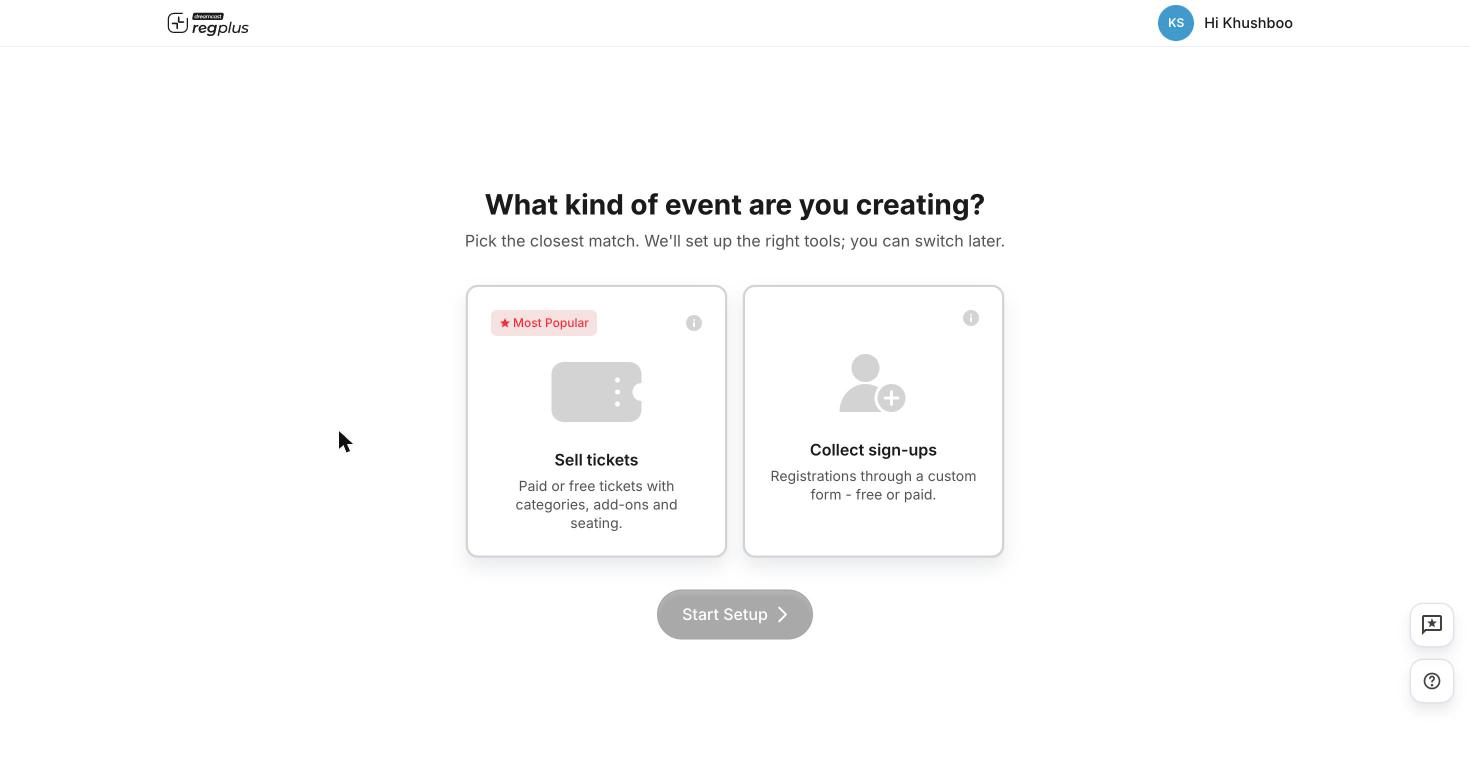
- Sell tickets — paid or free tickets with categories, add-ons and seating.
- Collect sign-ups — registrations through a custom form, free or paid.
2
Add the basics
Enter the event name, date and venue, then click Create. This opens your event’s Overview — its home base.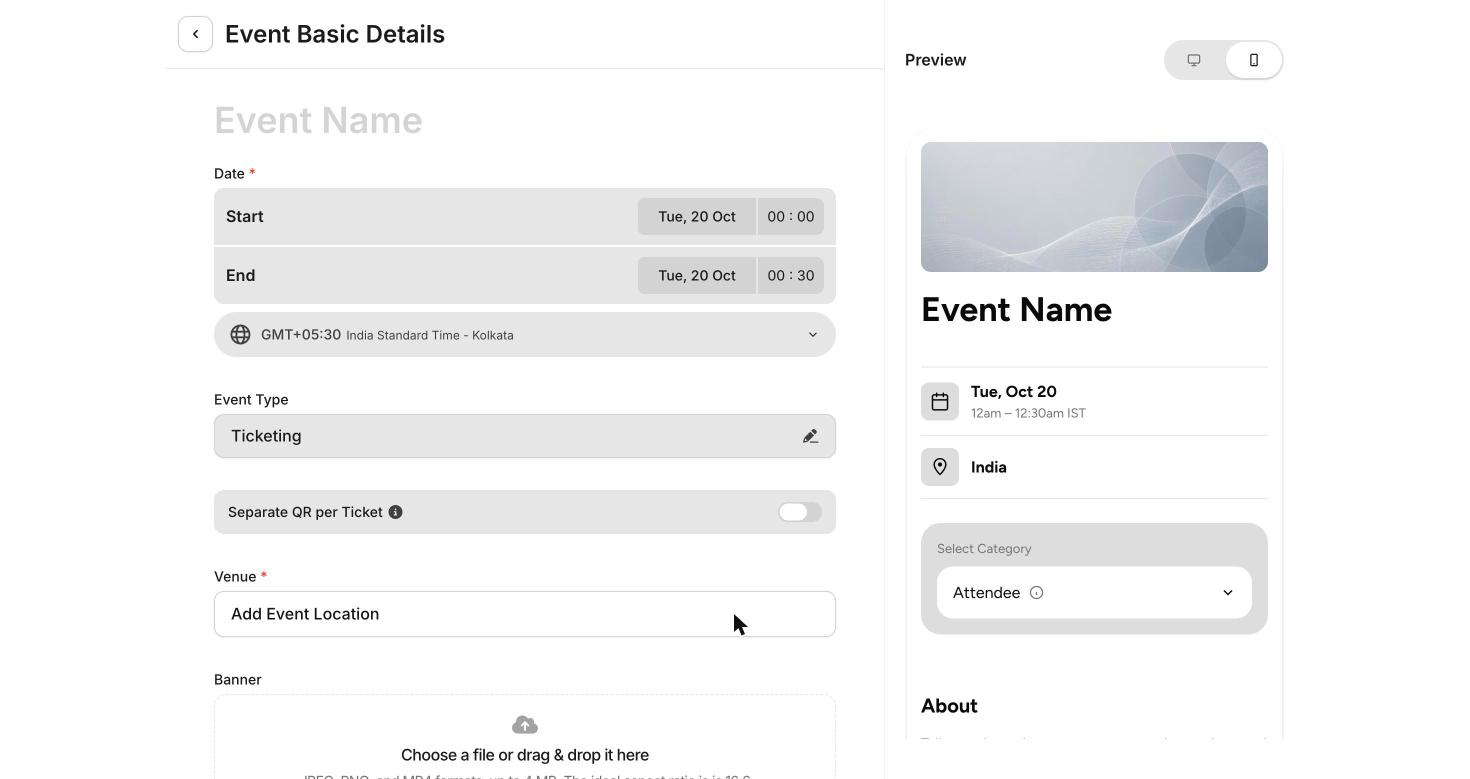
3
Add a ticket type
Open Registrations from the left menu. Click + Add Category to add a ticket type (for example Delegate), then + Sub-Category for the option inside it. Keep it free, or set a price for paid events.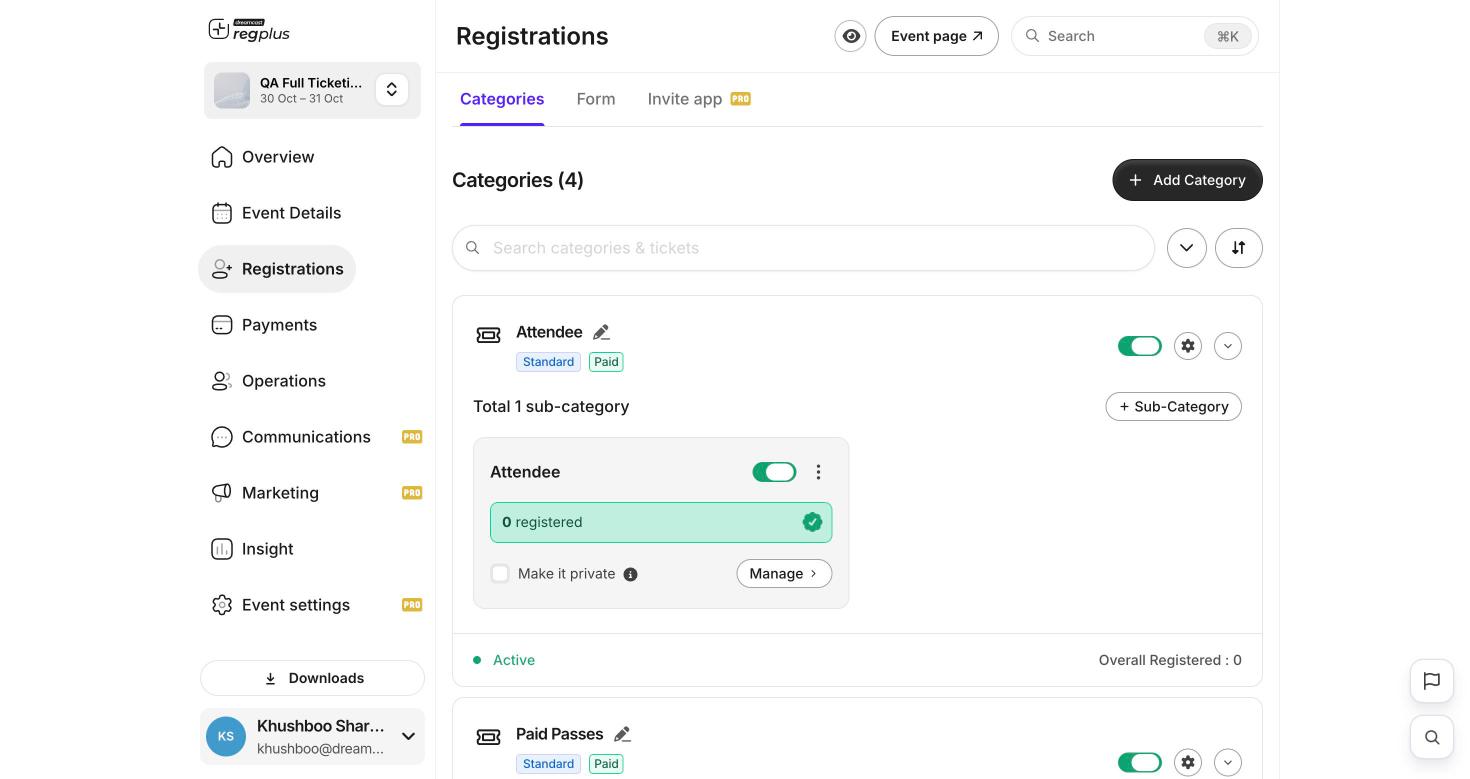
4
Check your registration form
Open the Form tab. Your form already asks for name, email and phone. Add any other questions you need.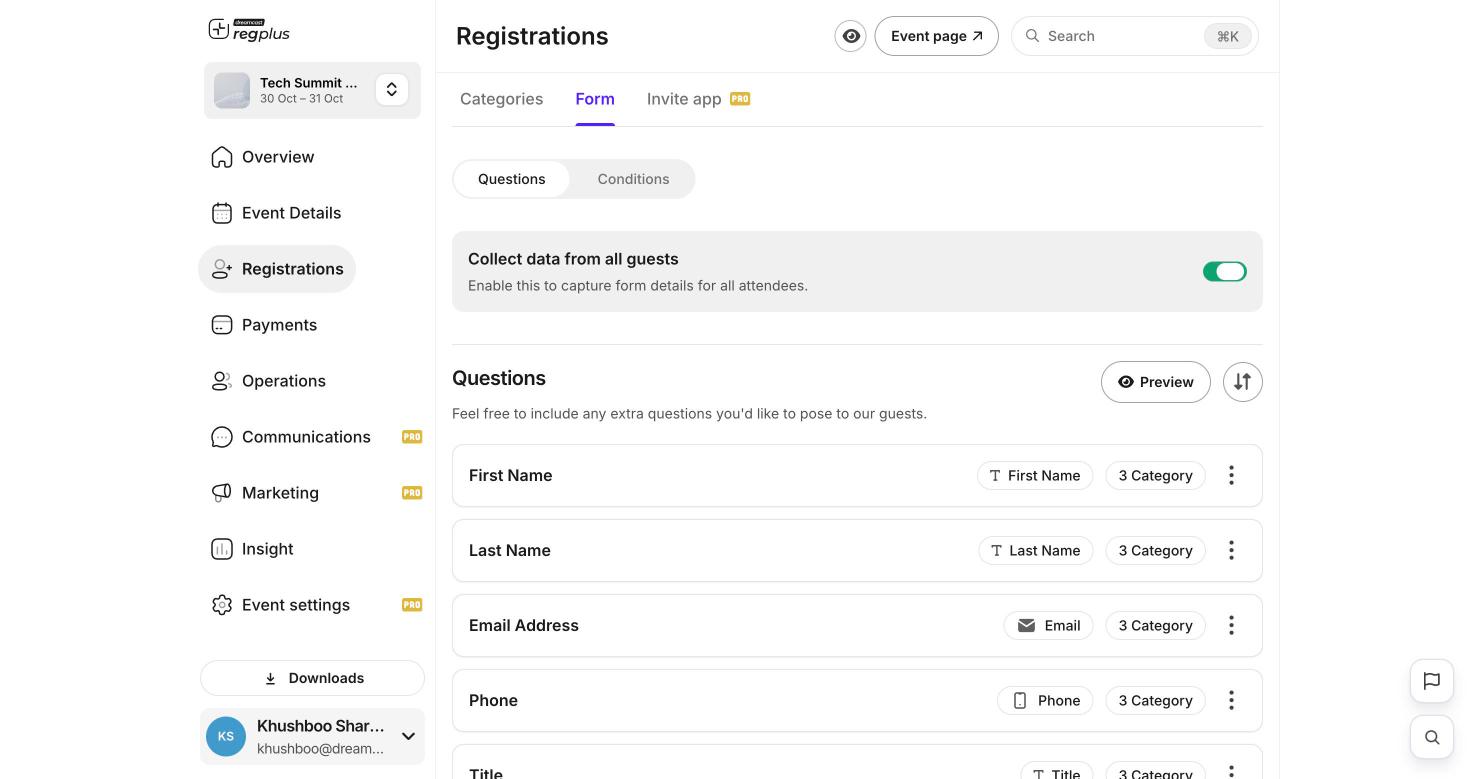
5
Go live and share
Click Event page to see exactly what your guests see. Share that link and you’re open for registrations.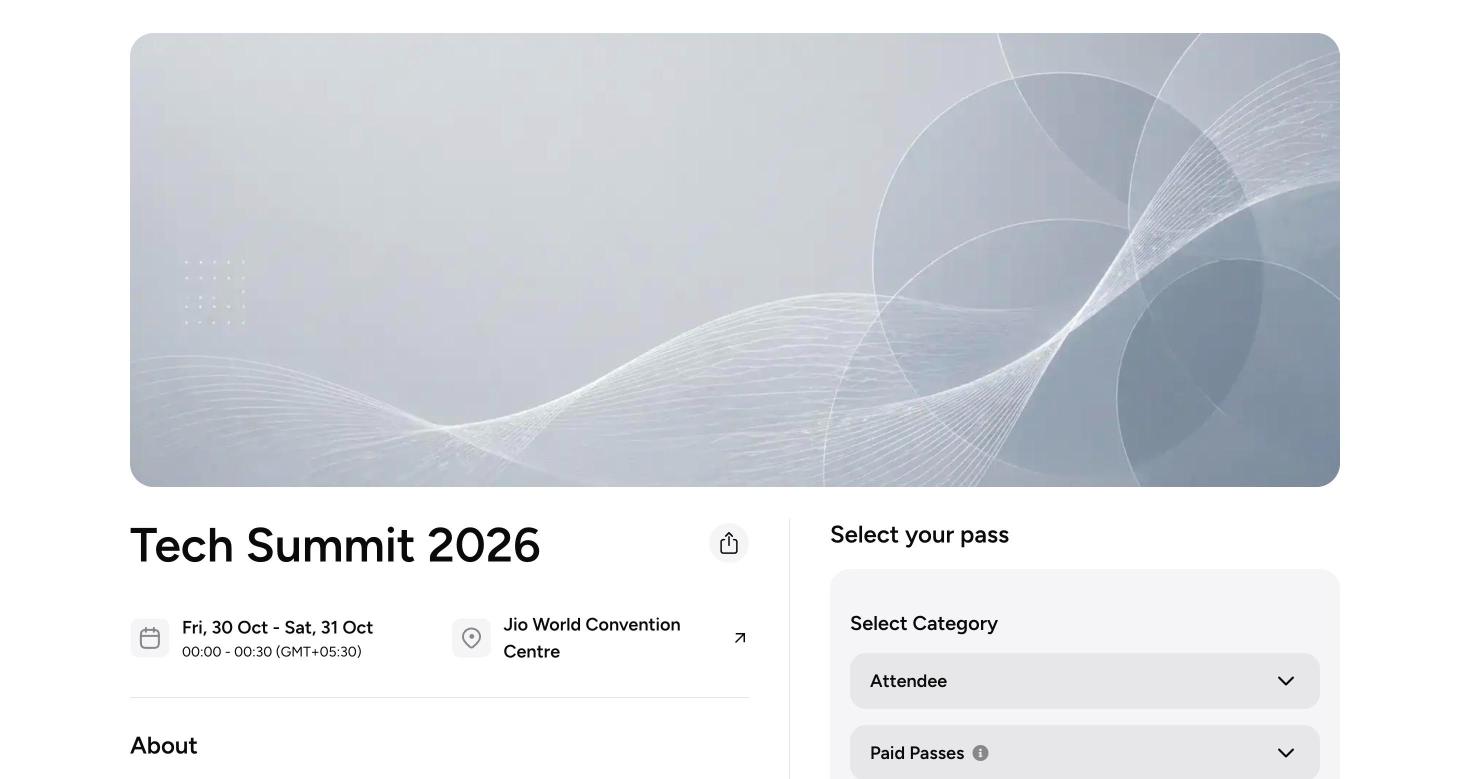
For paid events, always open your event page and check the amount shown at checkout matches the price you set before you share the link.
What’s next?
Build your registration form
Ask only what you need, with questions that adapt to each guest.
Ticket types & pricing
Set up ticket types, options and prices for your event.