
Turn on payments
1
Open Payments
Go to Payments → Configurations. The built-in Platform gateway is on by default and settled to your payout account — that’s what lets you collect money. You can also add Razorpay, Stripe or PayPal.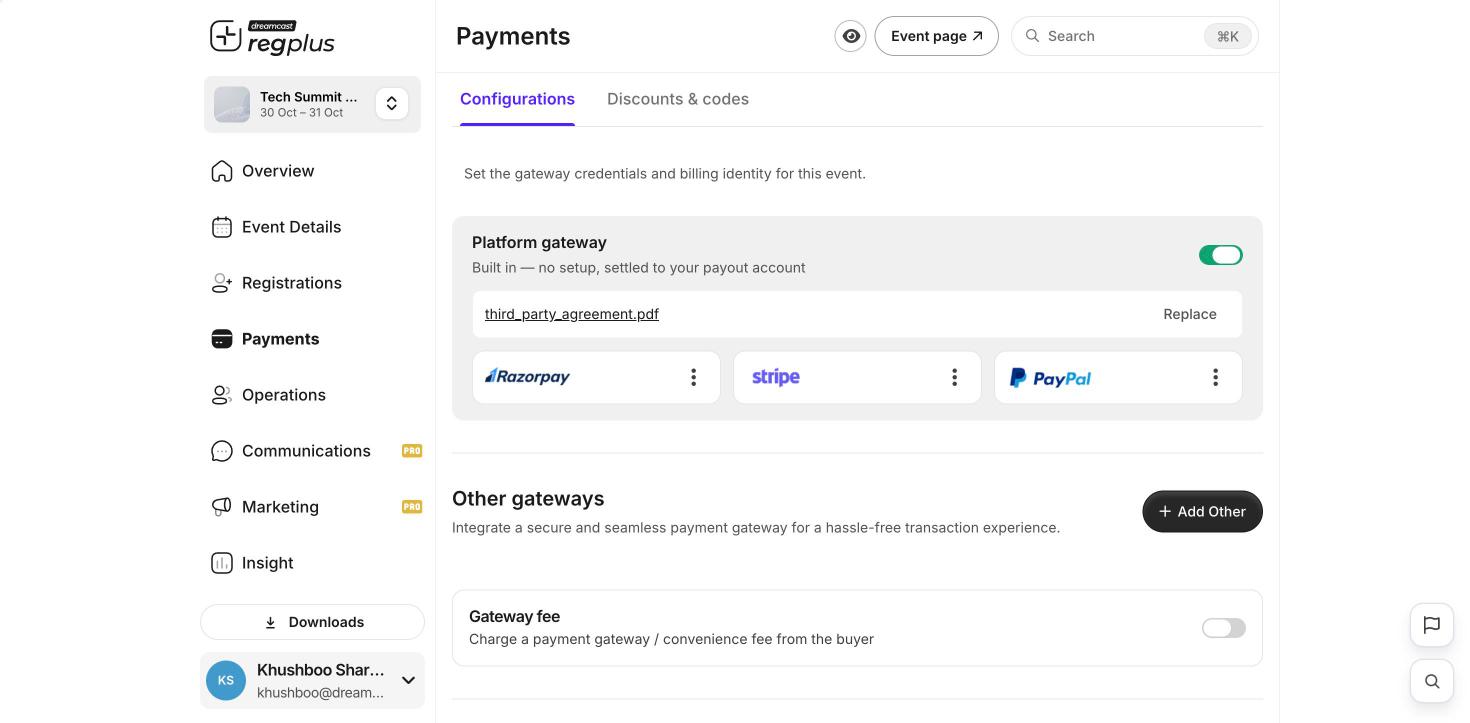
2
Set a price
Go to Registrations, open a ticket option, switch on Paid, enter the amount, and click Save Changes.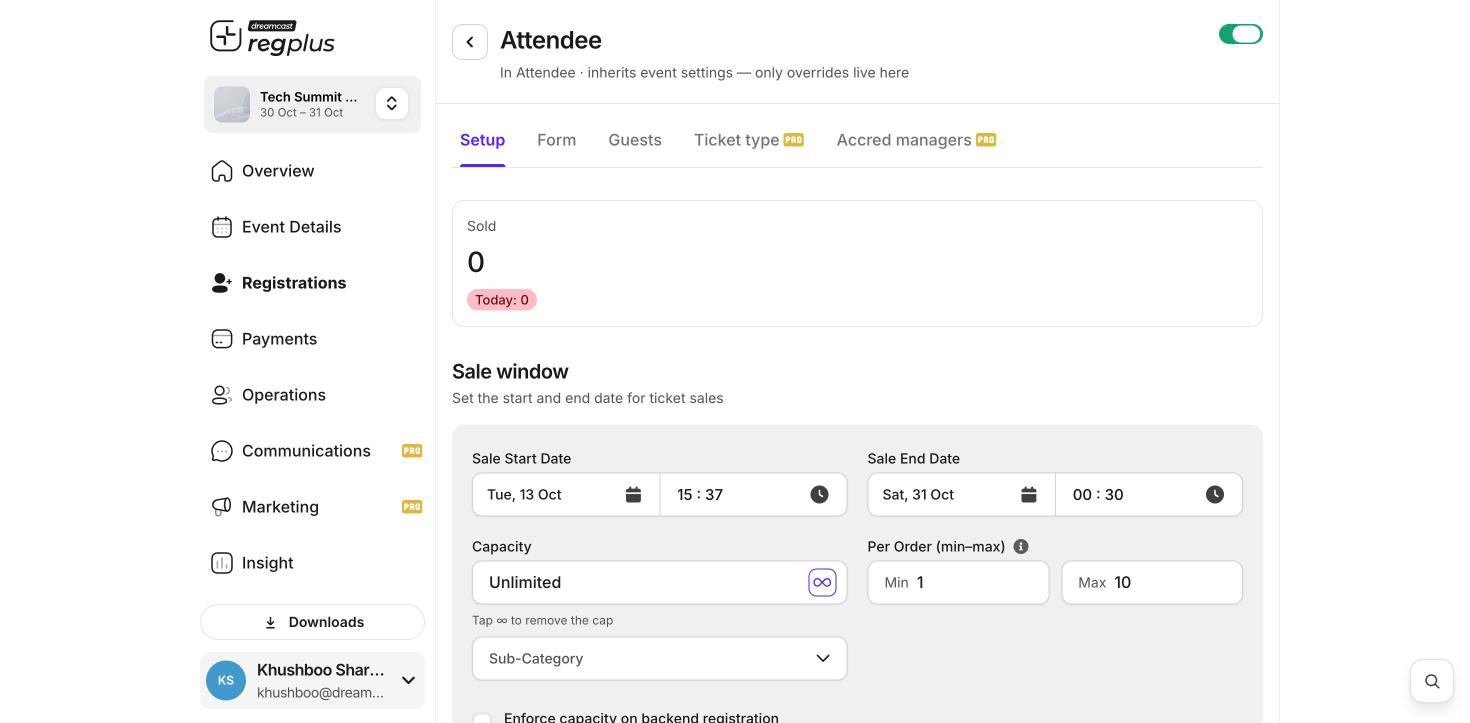
Taxes, fees and invoices
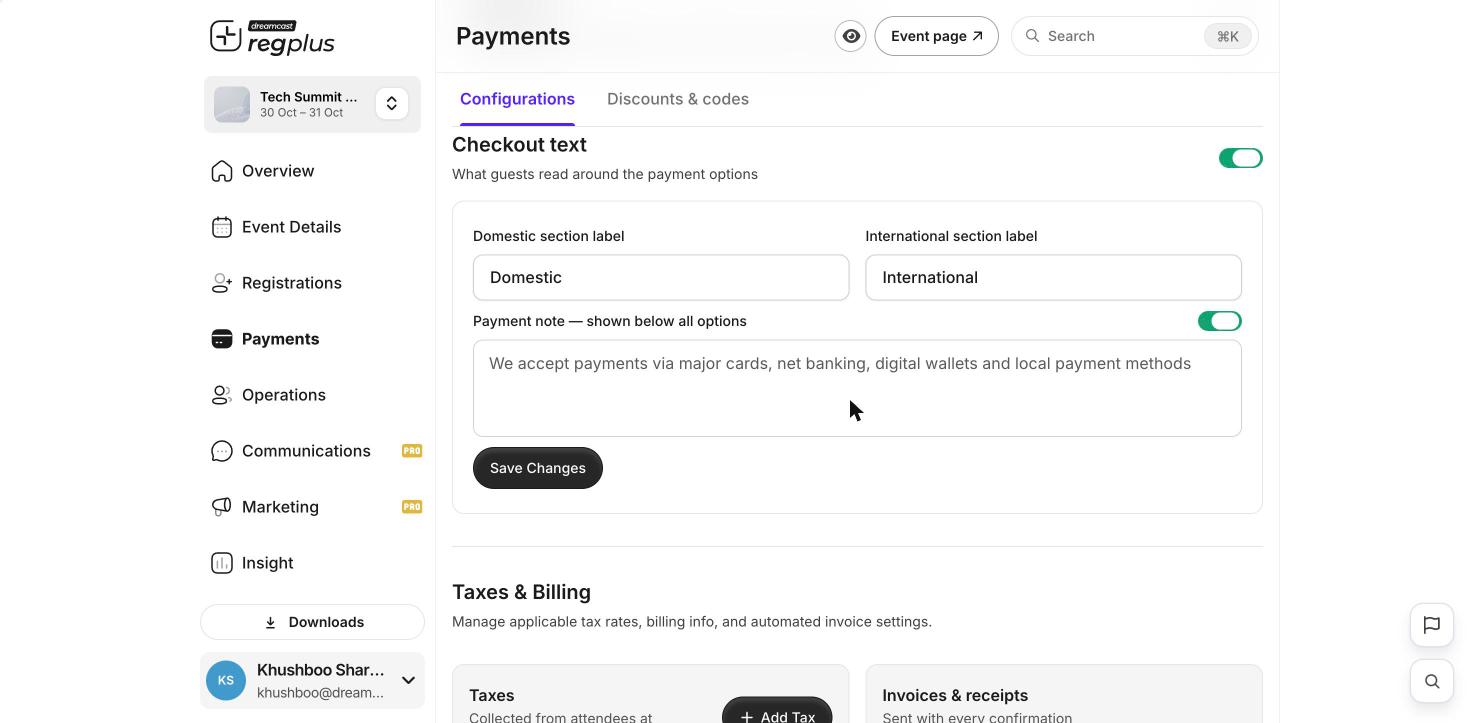
Under Payments → Configurations you can:- Add tax — GST, VAT or another type, with a rate (%) that applies to the ticket types you choose.
- Set the gateway fee — decide whether you absorb the payment fee or pass it to the guest.
- Set up invoices — choose a tax invoice or receipt, with your invoice prefix, starting number and billing details.
Before you share your link, open your event page and check the amount shown at checkout matches the price you set.
What’s next?
Create a discount code
Give guests money off at checkout.
Publish & share
Take your event live.