
Before you delete
Export everything you might need later — your registrant list, payment records and reports. See Export your data.Delete the event
Go to Event settings → Danger zone and click Delete Event. You’ll be asked to confirm before anything is removed.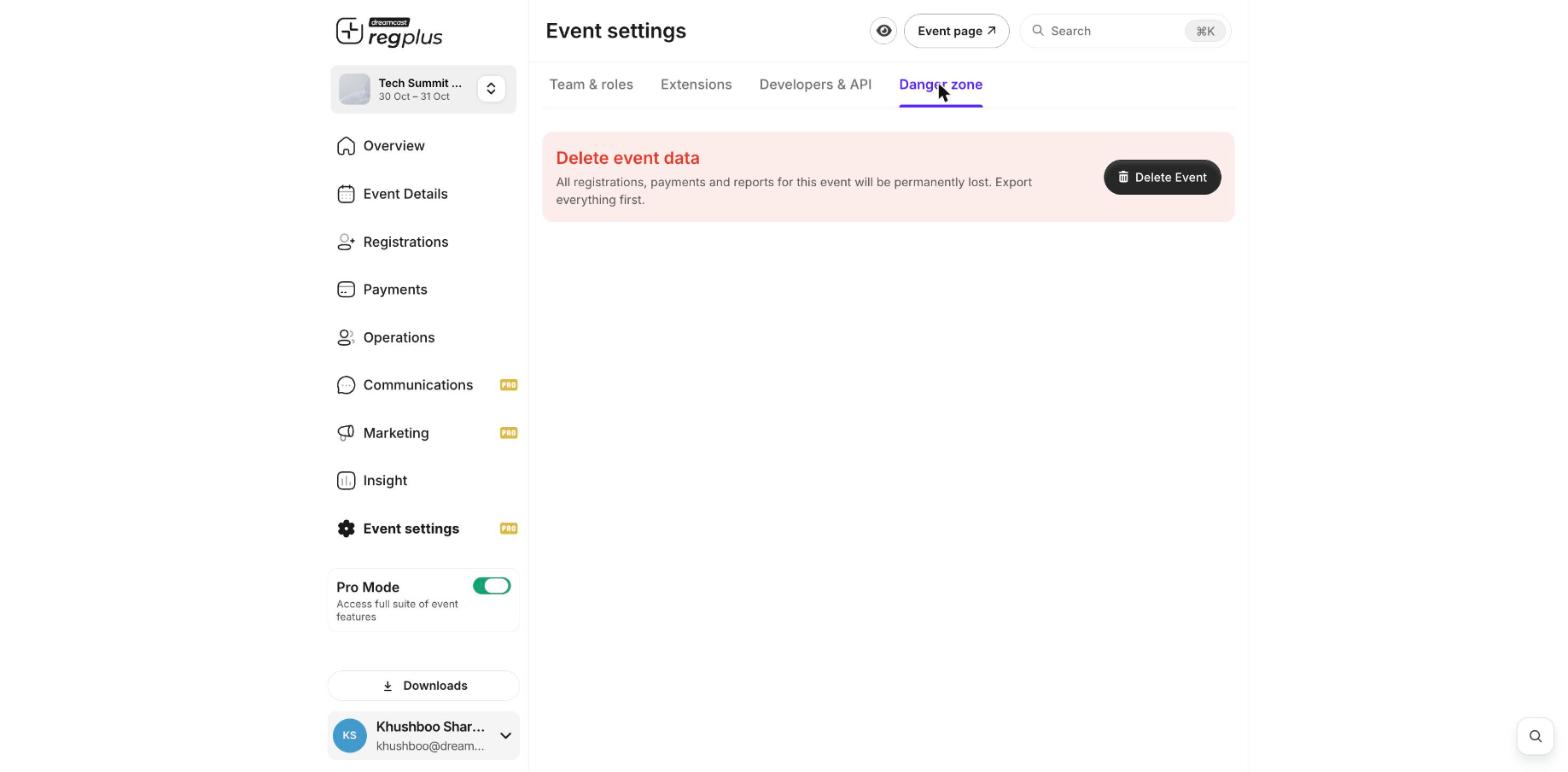
Only the event owner can delete an event. If you just want to stop taking registrations, close your ticket types instead of deleting — that keeps all your data.