
Open Extensions
Go to Event settings → Extensions. Turn on the tools you want for this event.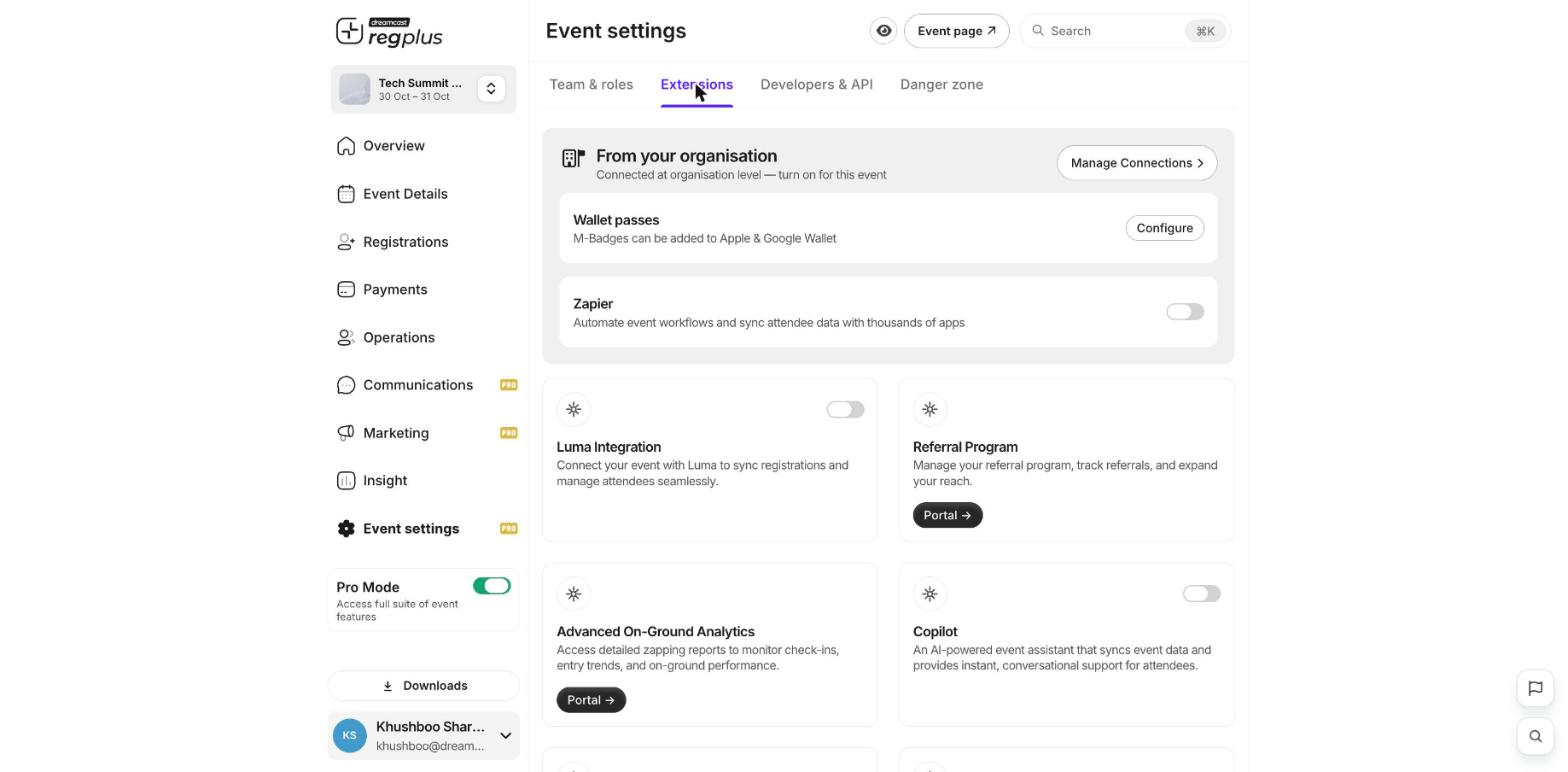
From your organisation
These are set up once at the organisation level, and you turn them on per event:- Wallet passes — let guests add their M-Badge to Apple & Google Wallet. Click Configure to set it up.
- Zapier — automate your event workflow and sync attendee data with thousands of other apps.
More tools
Switch on any of the app cards below to add them to your event — for example:- Luma Integration — sync registrations and attendees with Luma.
- Referral Program — track referrals and grow your reach.
- Advanced On-Ground Analytics — detailed check-in and entry reports.
- Copilot — an AI assistant that answers attendee questions using your event data.
Some tools open in a separate portal to finish setup — just follow the Portal link on the card.