
Export a guest list
1
Open the guest list
Go to Registrations → Categories, click Manage on a ticket type, and open the Guests tab.
2
Download it
Click the download icon on the Guests List to export those guests.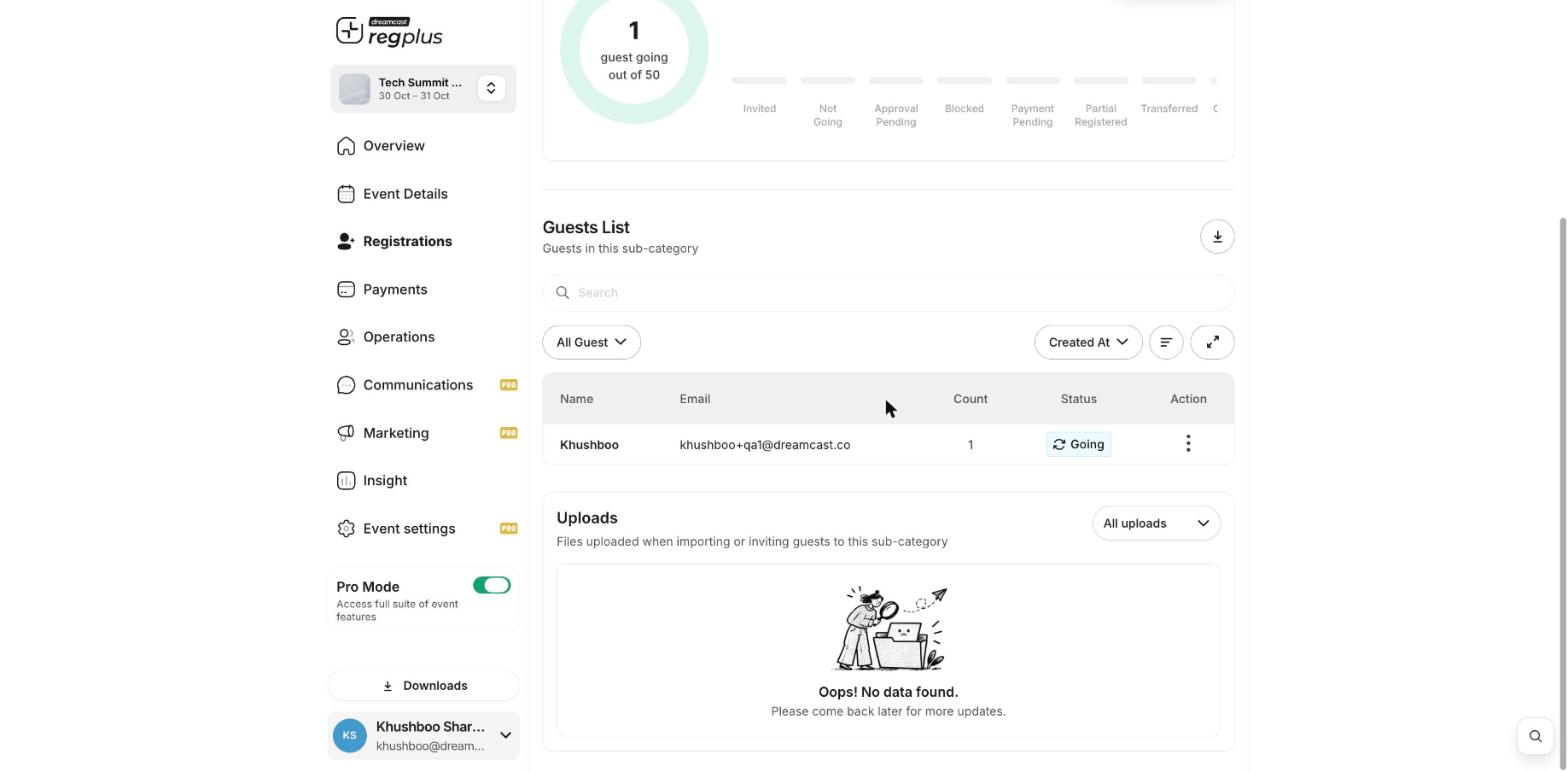
3
Find your file under Downloads
Your export is prepared and collected under Downloads in the left menu — click View All Downloads to grab the file.
What’s next?
Exports
More on what you can export.
Read your financial report
See your sales and revenue.