
Add a guest
1
Open the ticket type
Go to Registrations → Categories, find the ticket type you want to add the guest under, and click Manage.
2
Go to the Guests tab
Open the Guests tab, then click Add Guests.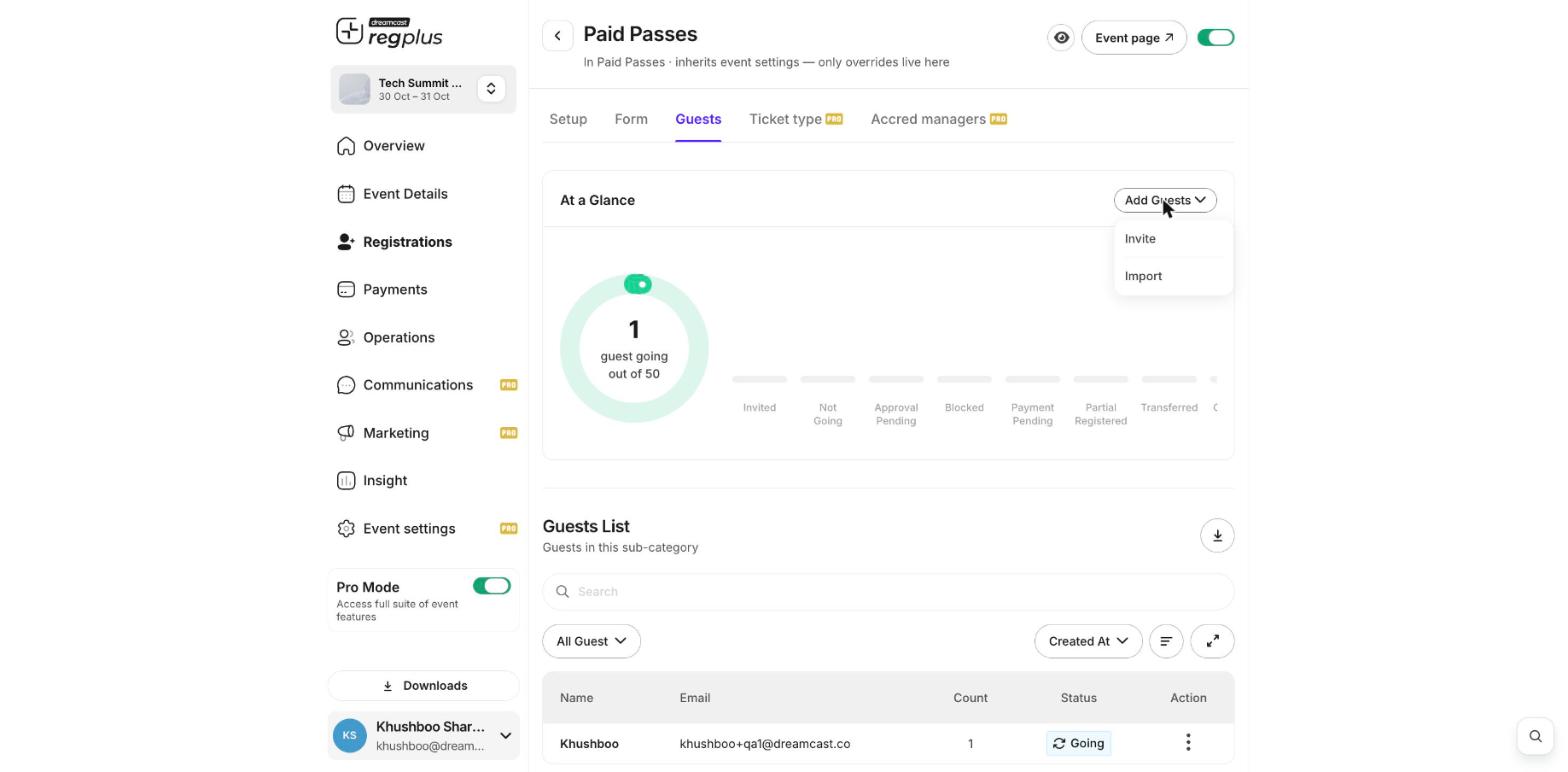
3
Invite or import
Choose Invite to add one guest by entering their details, or Import to upload a file and add many guests at once.
What’s next?
Manage registrants
Find and edit guests you’ve added.
Export your guest list
Download your full list.