
In short
Event Details is where you design the page guests actually see — the banner, the title and dates, the “About” story, the support contacts, the booking button and the overall layout. Everything here is shown on your public event page, with a live preview so you can see changes as you make them.Where to find it: Open Event Details from the left menu.
The Event Details screen
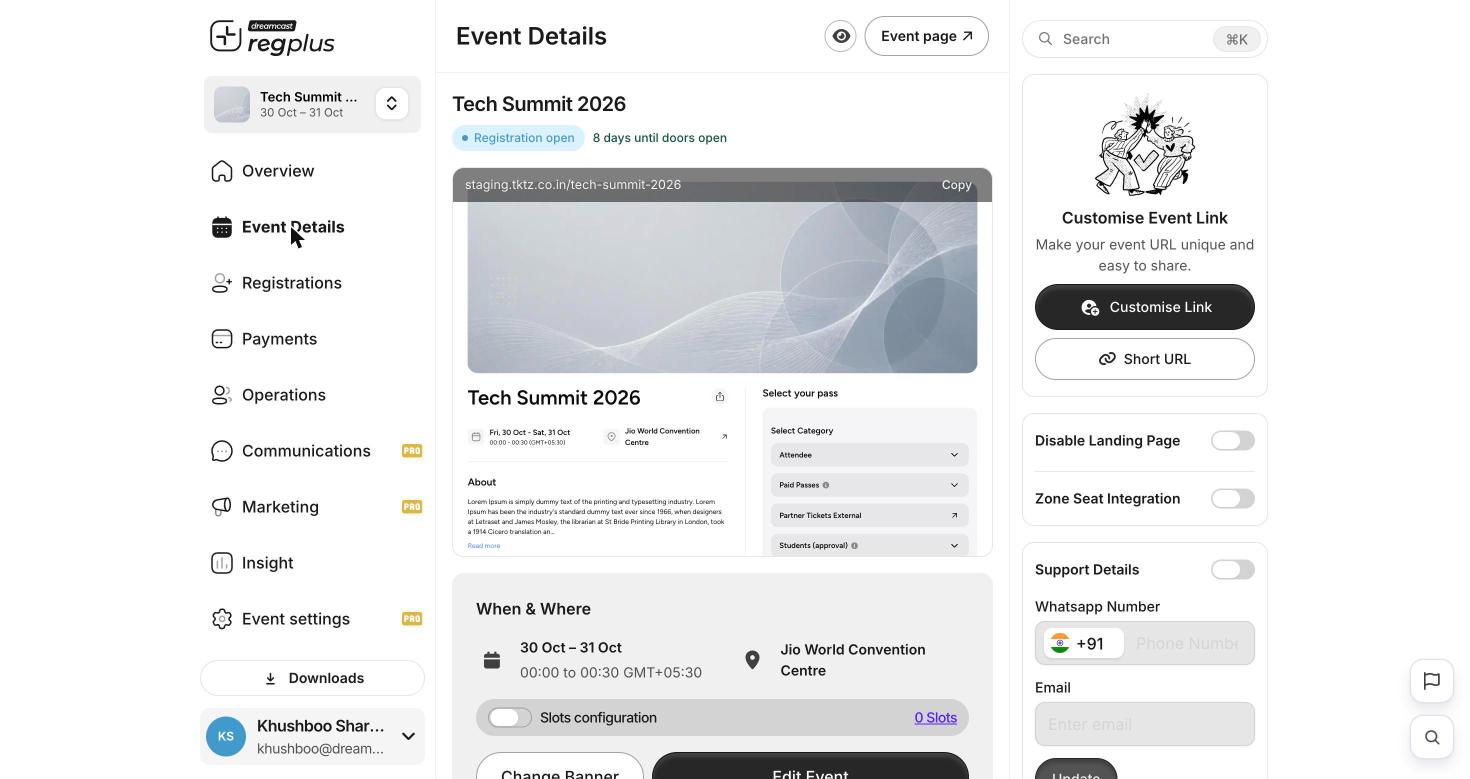
Event Details — a live preview of the public page, with the URL, support and banner controls around it.
The When & Where block shows your dates and venue, and a Slots configuration toggle for events that run in time slots.
Edit Event
Edit Event opens a four-tab editor: General, Page Sections, Page Option and Layout Settings.General — the basics
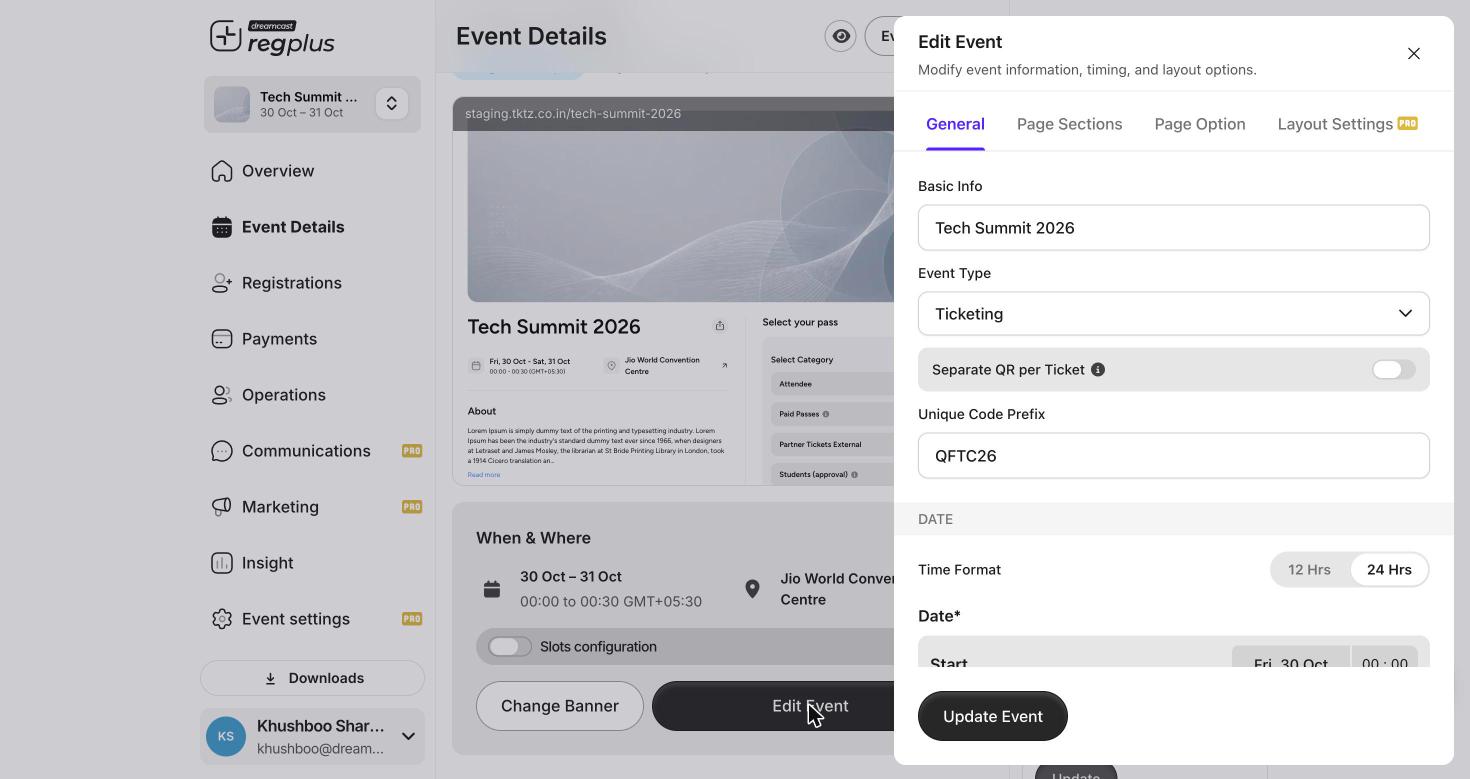
The General tab — name, type, code prefix and dates.
Page Sections — the page content
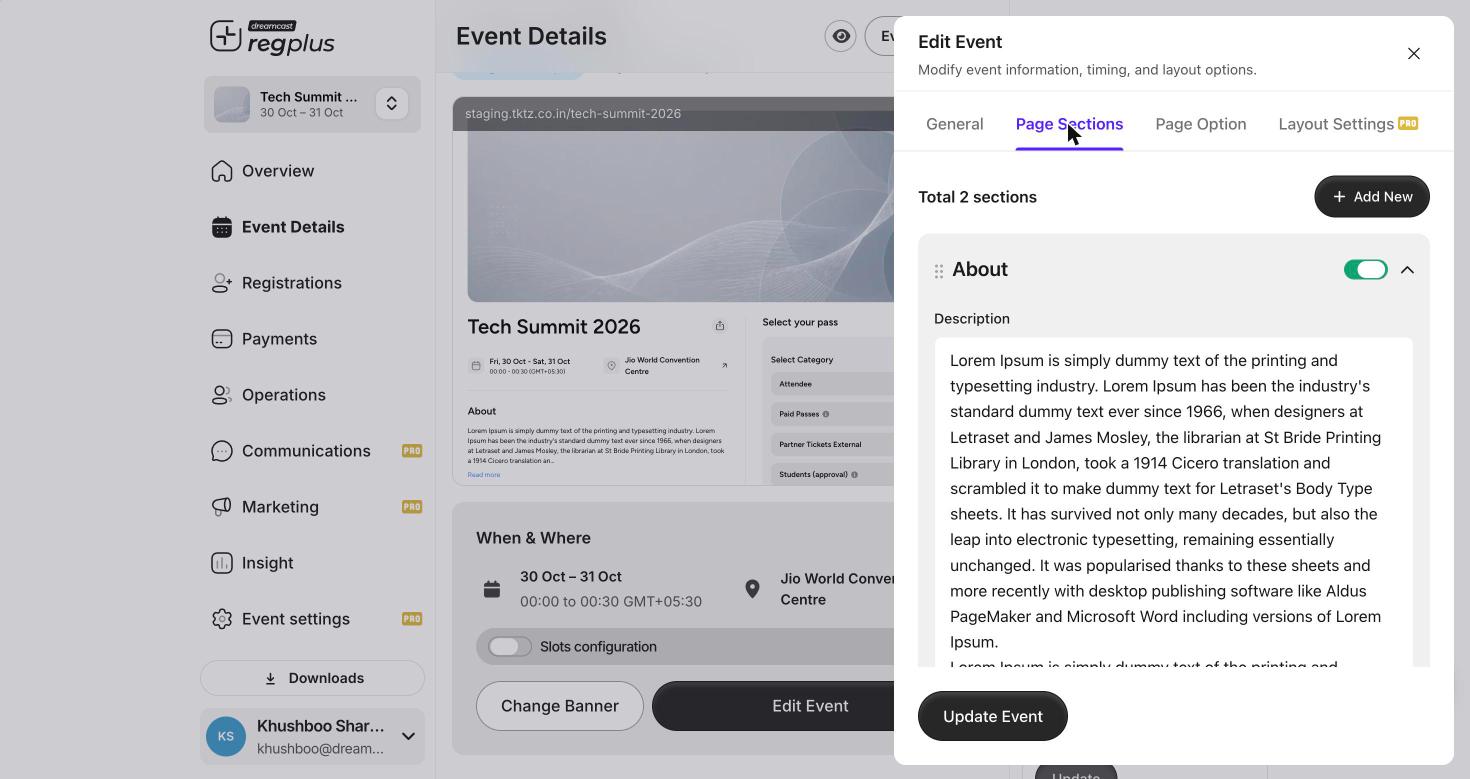
Page Sections — add, reorder and toggle the content blocks on your page.
- Add New to create more sections.
- Drag a section (the handle on the left) to reorder it.
- Use each section’s toggle to show or hide it without deleting it.
Page Option — the booking button
The Page Option tab controls the call-to-action wording:- Button text — the main booking button label (for example Proceed to Book).
- “Book another ticket” after checkout — turn on to invite guests to book again, and set its wording.
Layout Settings — how the page is arranged
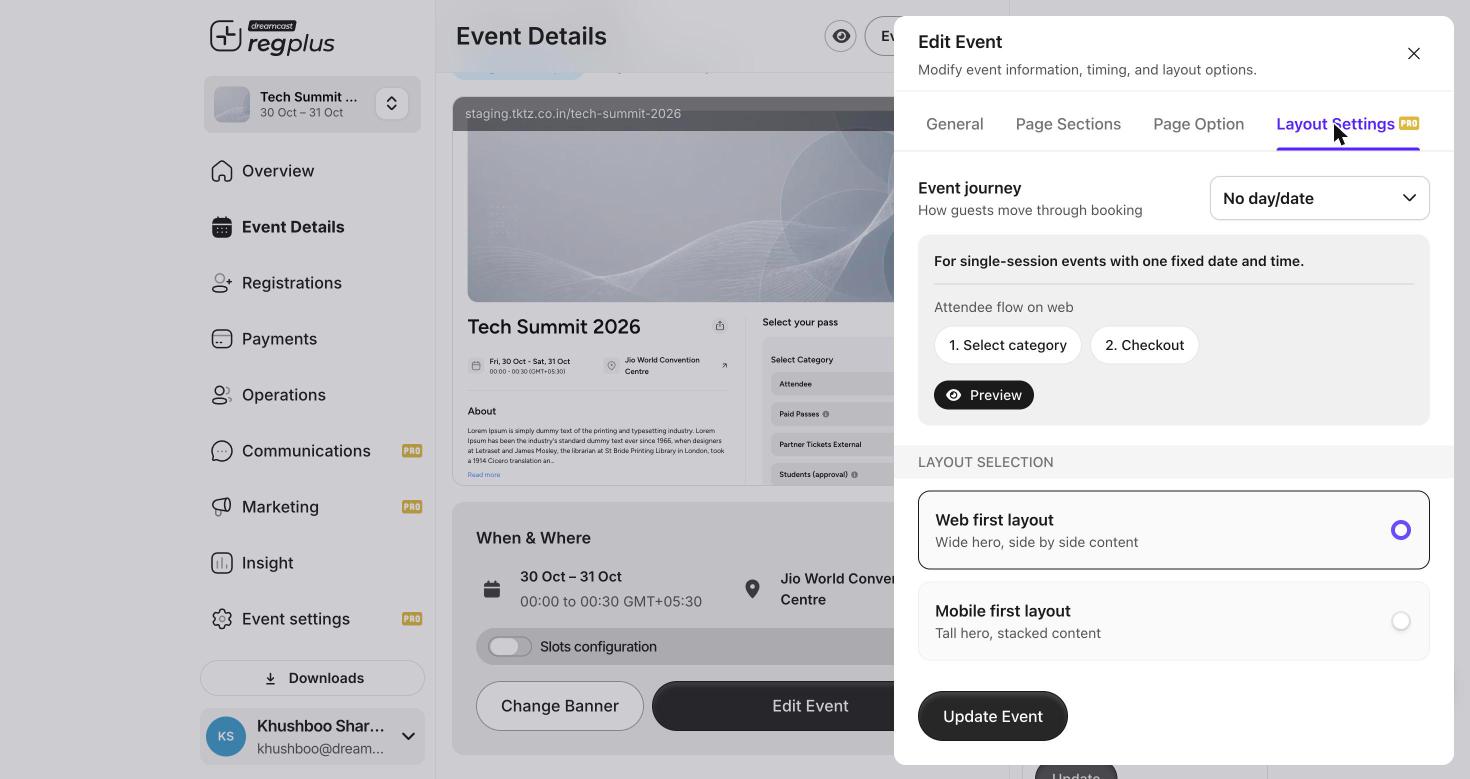
Layout Settings — the attendee journey and the page layout.
Use Preview to see the chosen journey, then Update Event to save.
FAQs & troubleshooting
I only take registrations by invite — can I hide the public page?
I only take registrations by invite — can I hide the public page?
Yes. Turn on Disable Landing Page. Guests then come in only through invites or embeds.
How do I add an agenda, speakers or FAQ to the page?
How do I add an agenda, speakers or FAQ to the page?
Open Edit Event → Page Sections and use Add New to create a section, then drag it into the order you want.
Most of my guests are on mobile. Which layout should I pick?
Most of my guests are on mobile. Which layout should I pick?
Choose Mobile first layout under Layout Settings — a tall hero with stacked content reads better on phones.
How do guests reach me with questions?
How do guests reach me with questions?
Turn on Support Details, add a WhatsApp number and email, and click Update. They appear on the public page.
What’s next?
Build ticket types
Set up the passes guests choose from on this page.
Promote & track your event
Share the page with tracked links and embeds.